Anti-snooze alarm apps for iPhone: an honest roundup
Five ways to actually wake up: built-in Clock improvements, free-with-premium mission-based apps, and paid alternatives. What each one does, who it suits best, and why they exist.
Visana Studios
7 min read

Most people snooze. The average iPhone user hits snooze three times a morning, spending about 27 minutes negotiating with themselves instead of getting up. A sound alone does not fix this. That's why a whole category of apps exists to make alarms impossible to dismiss without actually waking up.
The apps in this space all take different approaches. Some are free and use ads or in-app purchases to stay afloat. Some are built into iOS itself. Some charge a flat fee or subscription. Some track your sleep in detail. Some focus purely on the moment you need to get out of bed. Here's what exists now and who each one is for.
iPhone's built-in Clock app: free, improving, and often enough
The Clock app comes with every iPhone and costs nothing. For most of history it was a very basic alarm, but iOS 26 added a feature that makes it genuinely more useful: custom snooze durations.
Each alarm can now have its own snooze time, from 1 minute to 15 minutes. Your 6 a.m. weekday alarm can snooze for just 1 or 2 minutes, forcing you out of bed quickly, while your weekend alarm stays at 9 minutes if you want to linger. That level of control didn't exist before. The Clock app also ties into Focus modes and Sleep Focus, so your bedtime routine can automatically silence non-critical alerts.
What it does not do: the Clock app has no wake-up task or mission. The alarm rings, you can snooze or dismiss it, and that's the end of the interaction. If that is enough friction for you to get up, it's the simplest and cheapest option. For everyone else, the lack of a task means the negotiation is still there.
Alarmy: free to try, full-featured, a full sleep layer
Alarmy has been in the app market for years and has built an audience of millions. It takes a different philosophy: instead of preventing snooze through physical tasks, it offers the biggest feature set of any app in this roundup.
As of September 2026, Alarmy is free to download and use at a basic level. The free version includes math missions, memory games, and a shake mission to dismiss alarms. The app also includes sleep sounds like white noise, rain, and ASMR, a sleep tracker that monitors snoring and sleep cycles, and a bedtime reminder. Those features cost nothing.
If you want more mission types, like photo challenges or step missions, or if you want to unlock features like Power Off Prevention and Anti-Snooze for heavy sleepers, Alarmy's premium tier runs 7.49 dollars a month or 59.99 dollars a year, with a 7-day free trial. A monthly option is available if you want to test it before committing.
The tradeoff with Alarmy is data. According to its App Store privacy label as of September 2026, Alarmy collects precise location, device identifiers, and advertising data. User content is linked to your identity for analytics and app functionality. If you use it for sleep tracking, it has more information about your night than just the moment you need to dismiss the alarm. That data use supports a free or cheap tier and lets Alarmy fund its sleep-science research and features.
Who Alarmy suits best: people who want one app that handles sleep sounds, sleep tracking, and morning alarms, and who are comfortable with data collection in exchange for not paying anything up front.
NoSnooze: free with in-app purchases, AI photo verification
NoSnooze arrived recently and focuses on a specific anti-snooze mechanism: AI photo verification. The app is free to download. The free version includes basic challenge missions like math and movement tasks.
With the premium subscription (6.99 dollars a month or 29.99 dollars a year, with a 3-day free trial), you unlock more mission types including camera-based photo verification. When you set a photo mission, you tell NoSnooze to capture a photo of grass, the sky, or any object you pick beforehand. At wake-up time, the app requires you to take a new photo and verifies that it matches your chosen task using on-device AI.
The advantage of photo verification is that you cannot dismiss it without actually getting out of bed and going to wherever you set the task. You have to point the camera at the right object, with the right lighting, or the app will not let you silence the alarm.
Who NoSnooze suits best: people who want a free trial and do not mind adding photos to their morning routine, and who prefer per-mission subscriptions to broader sleep-tracking integrations.
SnoozeProof: loud alarms that do not stop
SnoozeProof takes the philosophy that the alarm itself should be too intrusive to ignore. The app is designed so that even if you force-quit it or swipe it away, the alarm keeps ringing for up to 15 minutes until you complete your wake-up challenge.
The app carries a strong anti-snooze guarantee: swiping it away, closing the app, or throwing your phone across the room do not silence the alarm. It will keep going until you finish your chosen task. For someone who sleeps through normal alarms or has trained themselves to autopilot-dismiss notifications, that approach is worth testing.
Who SnoozeProof suits best: people whose main problem is not that they cannot get out of bed, but that they can dismiss any alarm without conscious thought and fall back asleep without realizing it.
NoNap: task-first, no account, system-level alarm
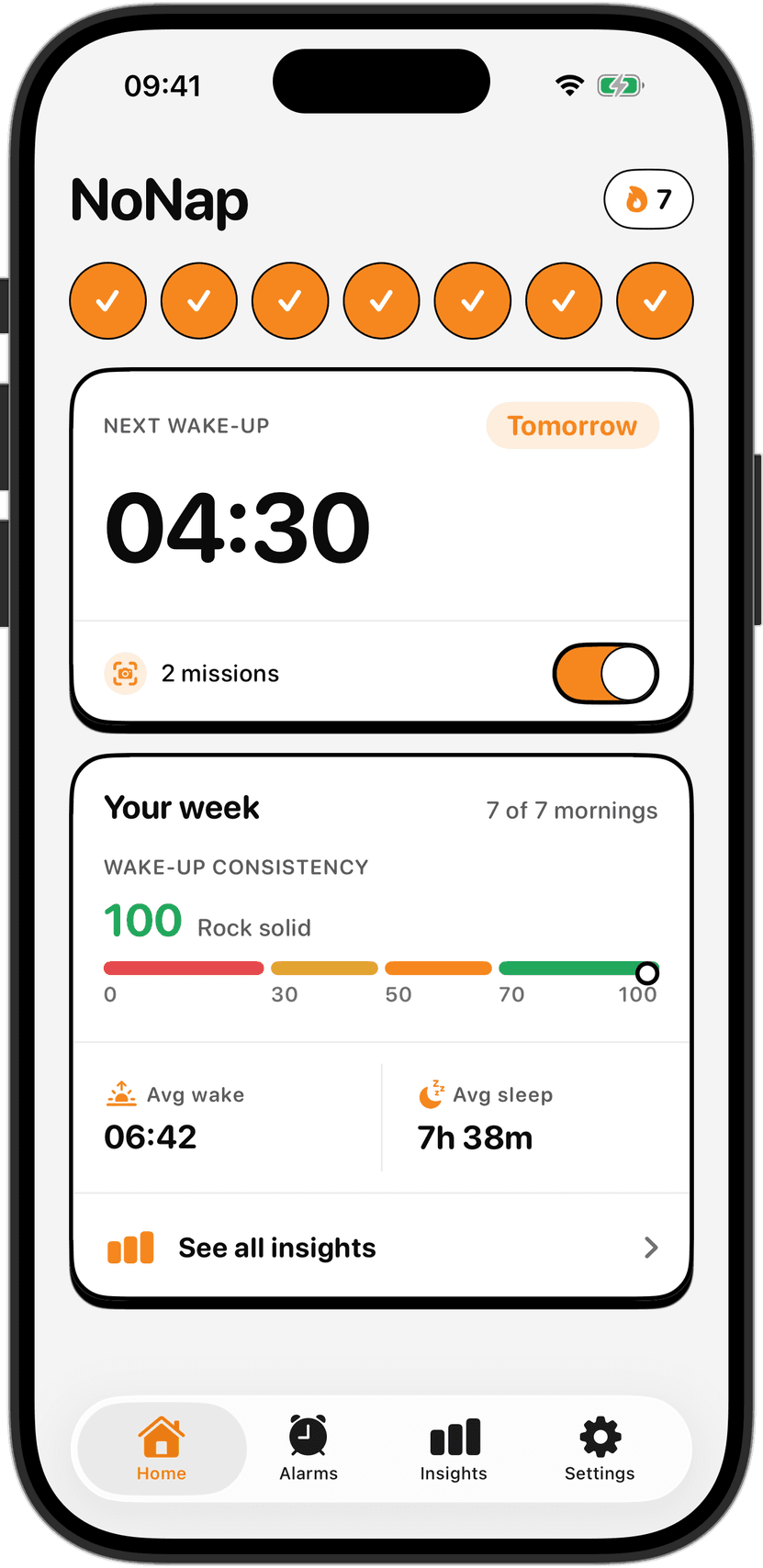
NoNap is built around a single principle: a real task you finish actually wakes you up, and you cannot negotiate around it because the alarm comes from the system level, the same place the Clock app gets its power.
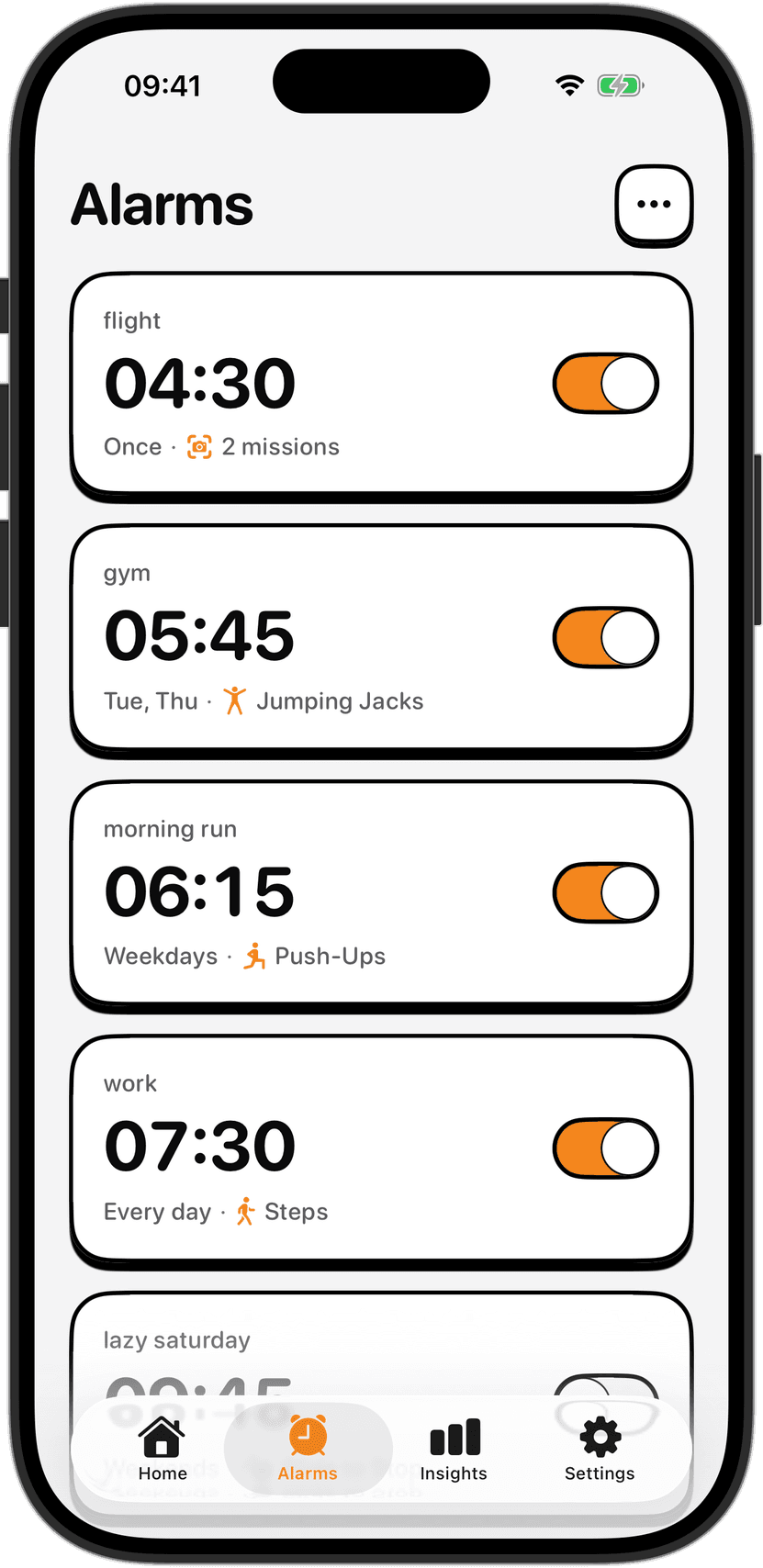
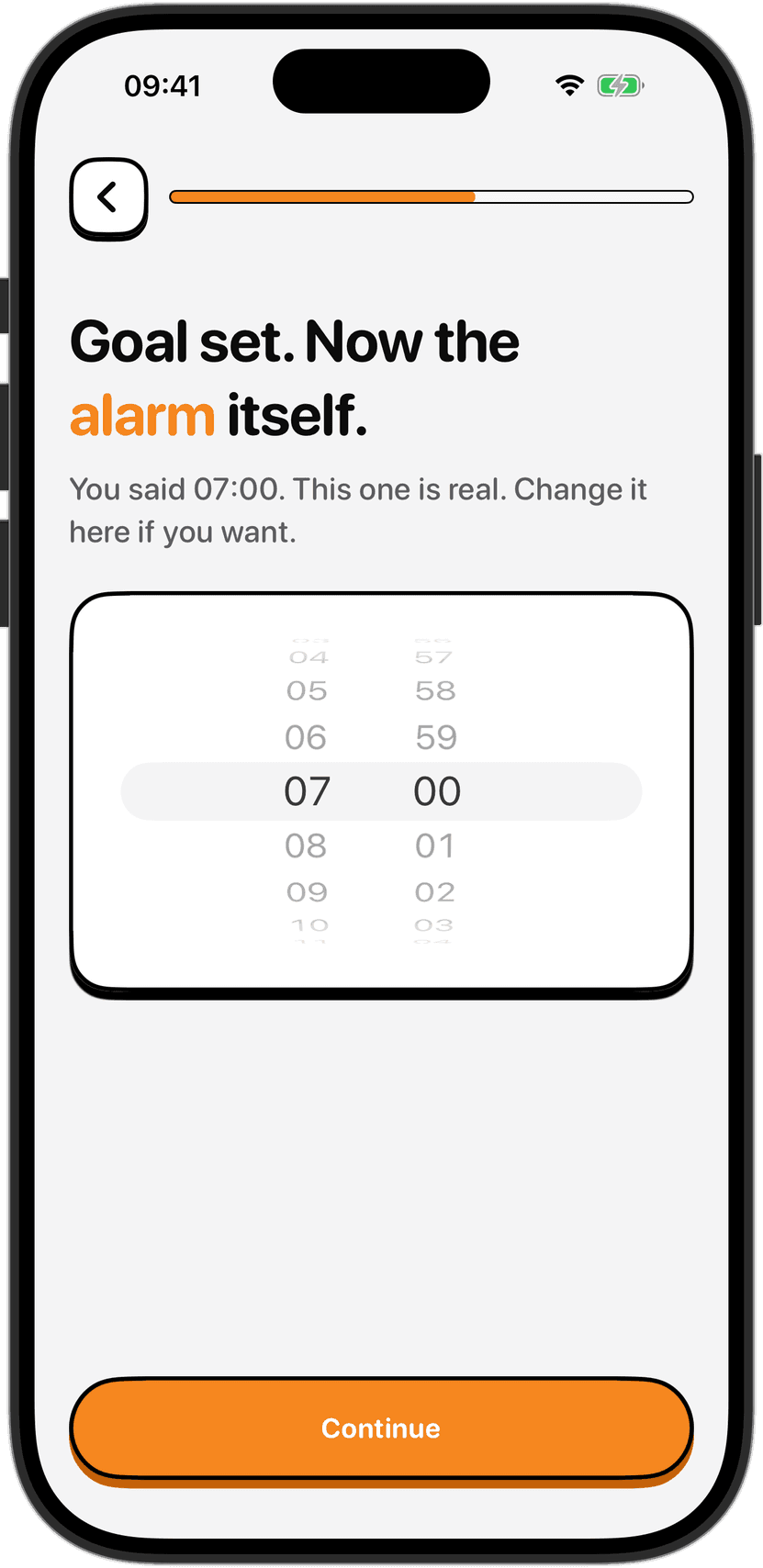
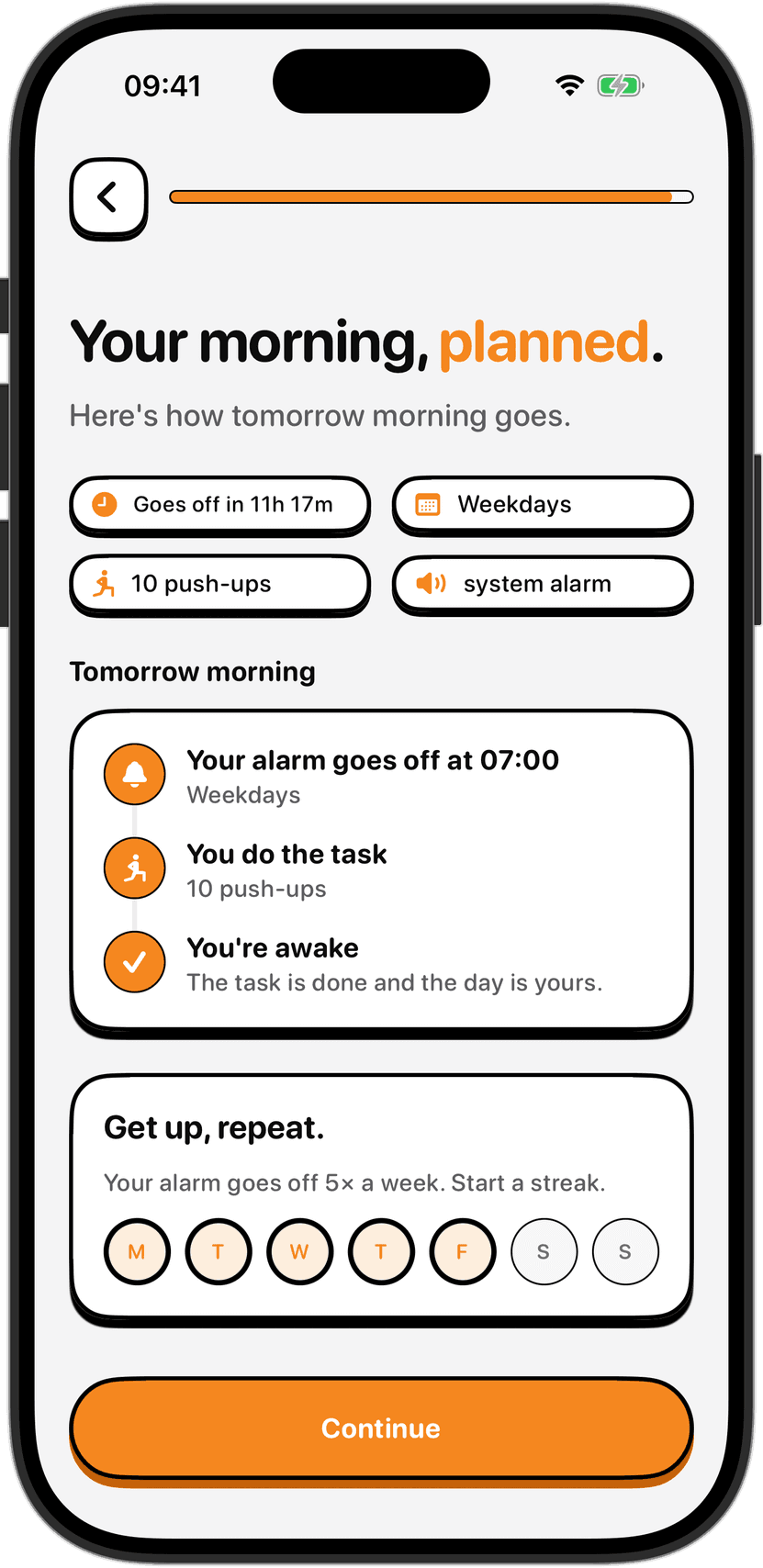
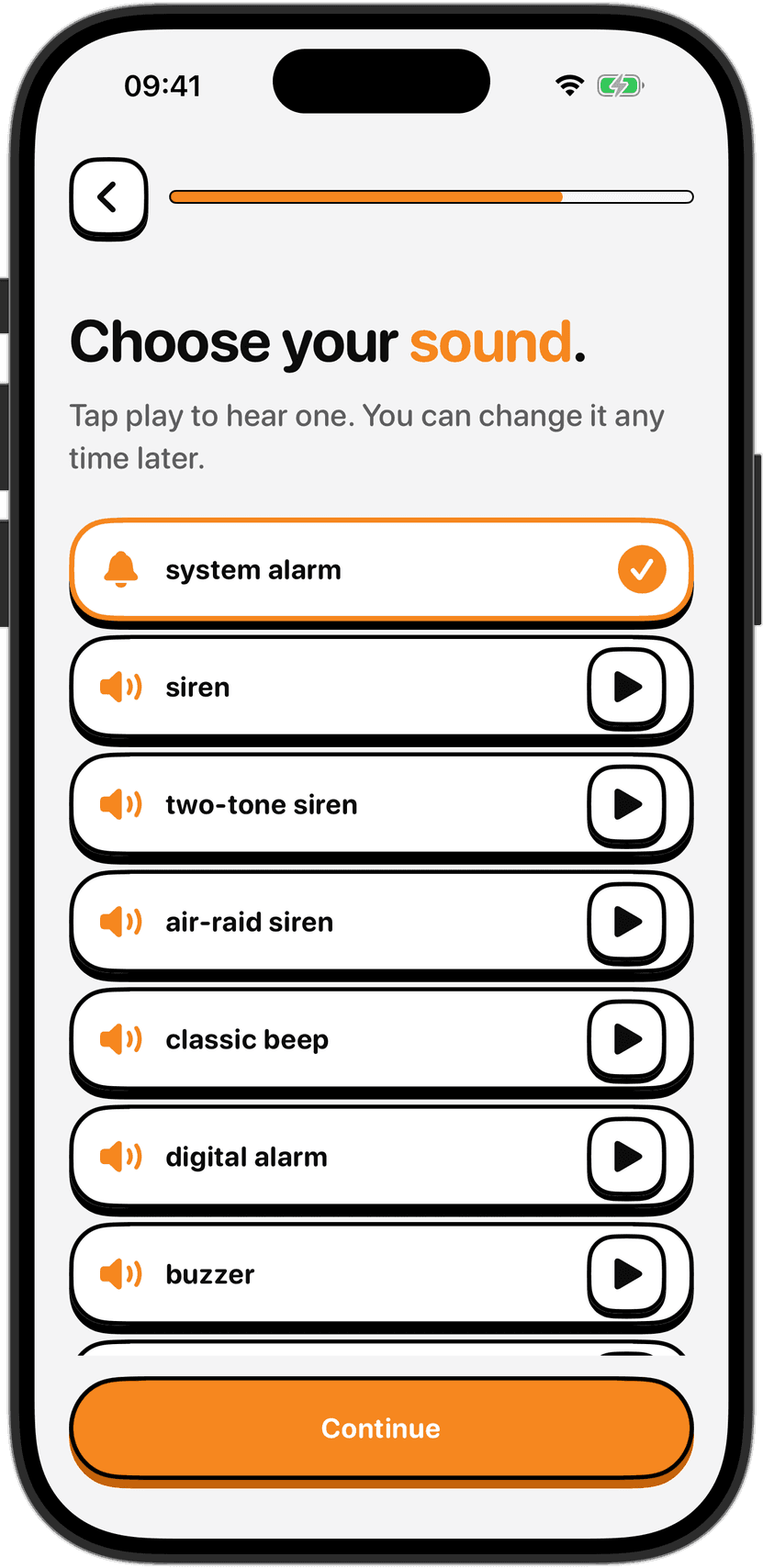
When the NoNap alarm rings, it uses iOS's system alarm, which means the ringer switch does not silence it and Focus modes like Sleep Focus do not mute it. You cannot dismiss the alarm from the lock screen at all. The only way to turn it off is to finish your chosen wake task. The app does not offer a snooze button. You set one alarm, at one time, and finish one task to stop it.
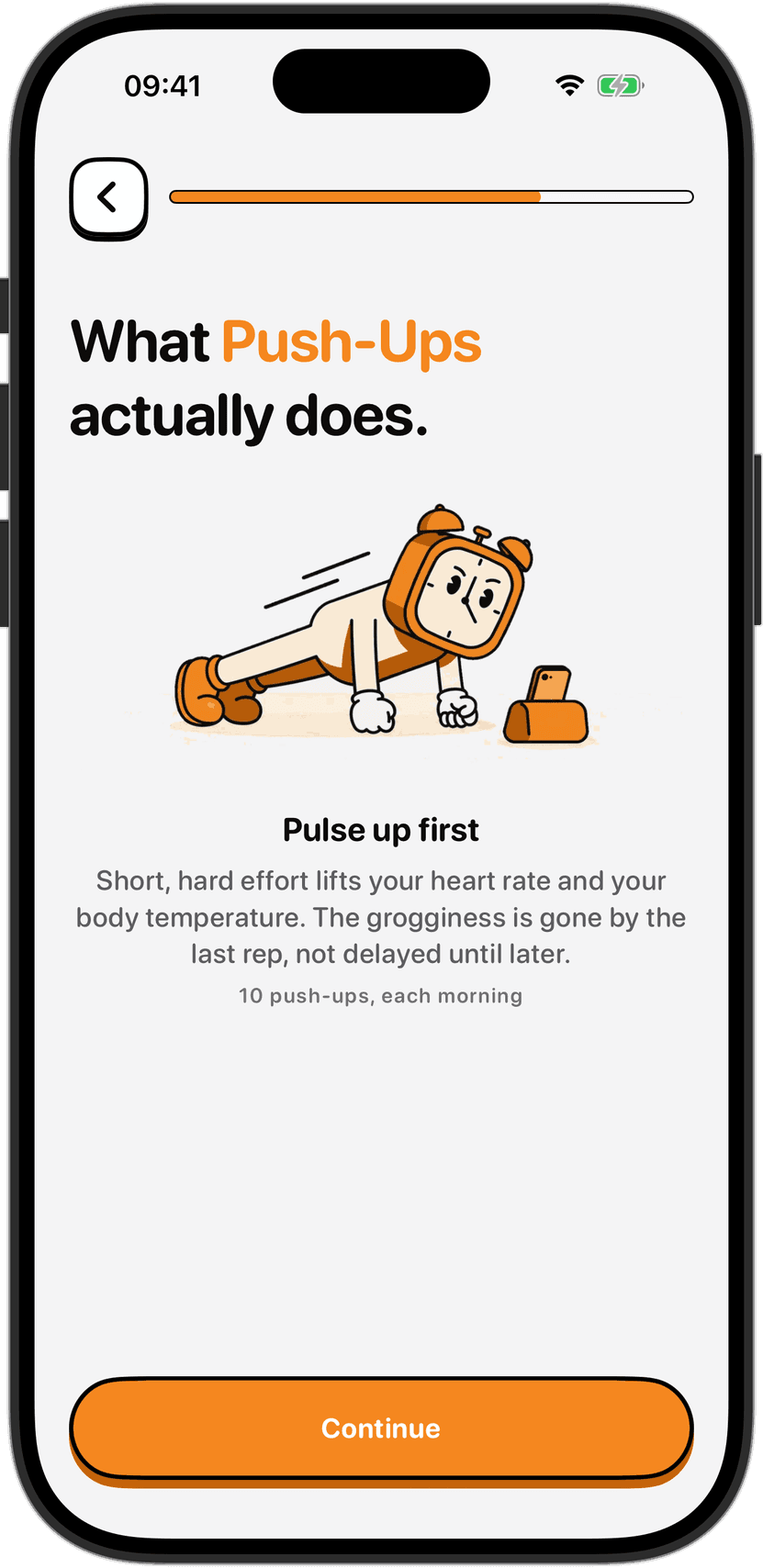
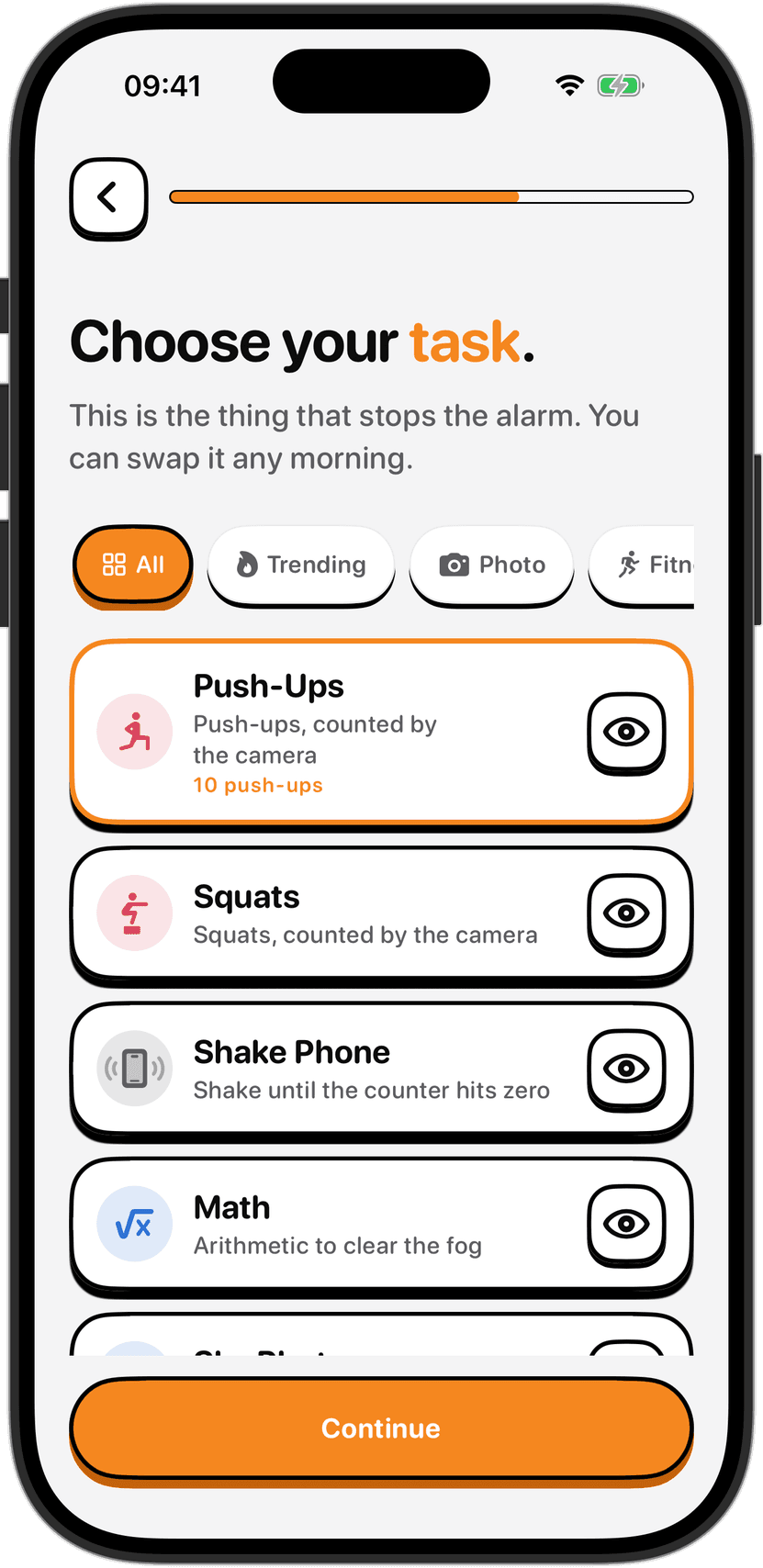
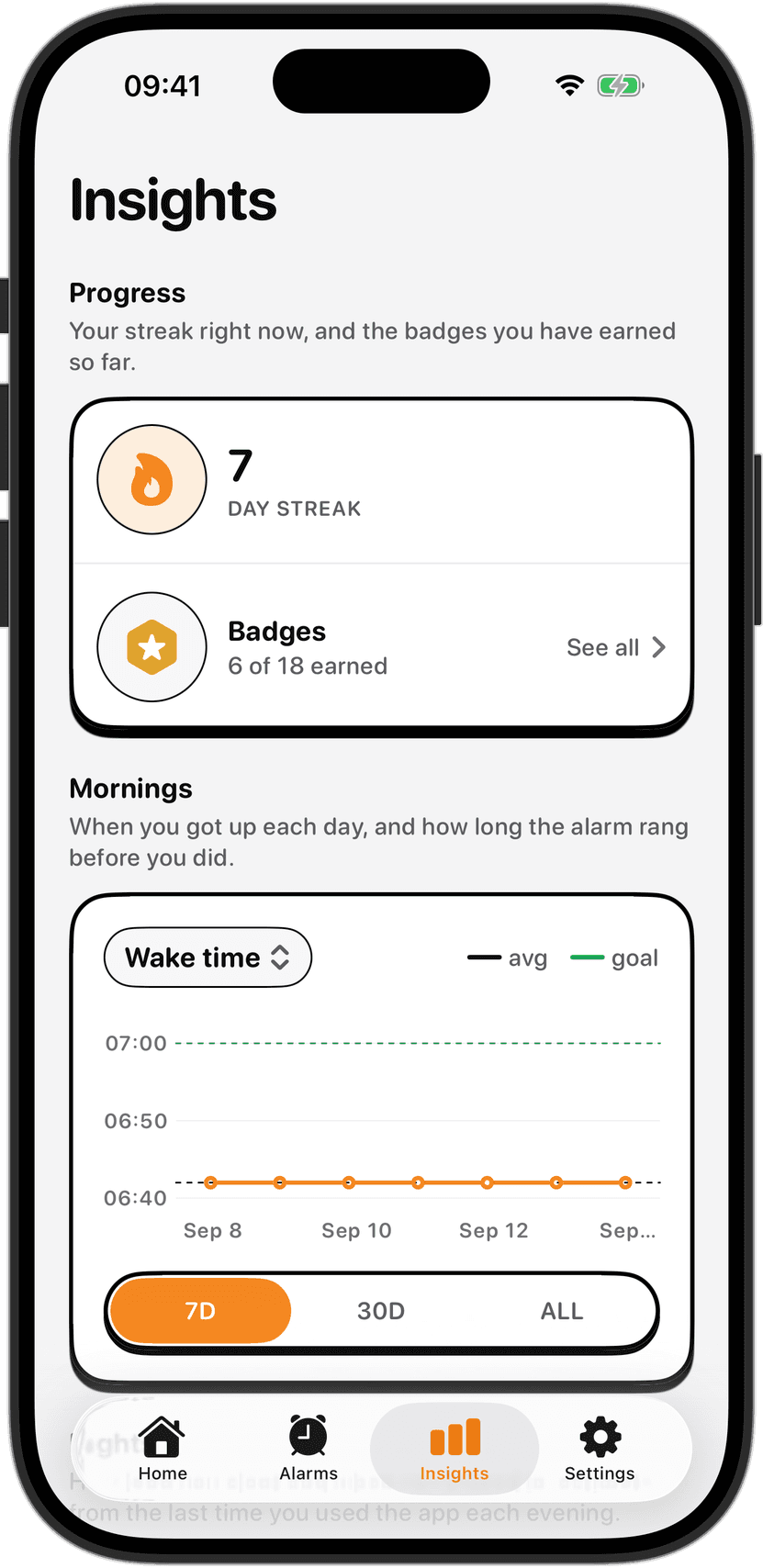
The wake tasks include camera-verified movement like push-ups and squats, counted by your phone in real time. Steps and Distance tasks use your phone's motion sensors and GPS. Photo and Object tasks ask you to point the camera at something specific. Math is the only task with no physical movement. Every task verifies on your device only. NoNap has no account, no server, no login. Your alarms and wake history stay on your phone.
The tradeoff is price. NoNap is not free. There is no ad-supported tier. It is a weekly, monthly, or yearly subscription, or a one-time lifetime purchase, with the exact price for your country shown before you buy. You are paying upfront because there is no data to sell and no way to delay the cost with a free tier that converts later.
Who NoNap suits best: people whose main goal is a single wake task that absolutely cannot be worked around, who prefer to keep their morning data off the cloud, and who are willing to pay for that simplicity and privacy.
Which one to choose
If you want to avoid an alarm with the absolute minimum friction and do not mind snoozing a couple of times, the built-in Clock app with custom snooze times is genuinely useful and free.
If you want a single app for sleep sounds, sleep tracking, and alarms, and you would rather try free before deciding to pay, Alarmy is proven and comprehensive.
If you want photo-based verification to force yourself out of bed and into a specific location, NoSnooze's AI system is a specific solution to a specific problem.
If the problem is that you can dismiss alarms without realizing it, and you need an alarm that literally will not stop no matter what you do, SnoozeProof takes that philosophy further than anything else.
If your goal is a task you cannot talk yourself out of, with no account and no data in the cloud, and you are ready to pay for that from day one, NoNap is built for that exact use case.
The key is knowing which problem you actually have. Some people need a louder alarm. Some need a task. Some need accountability in the form of tracking. Some just need their phone to be slightly less accommodating of snooze. All of these apps exist because a single solution does not fit everyone, and the problem of getting out of bed in the morning is real enough that people will spend money and give up privacy to solve it.
Sources
Alarmy features, pricing, and privacy practices are from the app's App Store listing, Alarmy - Loud alarm clock (Delight Room Co., Ltd.), apps.apple.com/us/app/alarmy-loud-alarm-clock/id1163786766, fetched September 2026.
NoSnooze features and pricing are from NoSnooze: Wake Up Alarm, apps.apple.com/us/app/nosnooze-wake-up-alarm/id6771271455, fetched September 2026.
iOS 26 snooze customization features are from 9to5Mac, "iOS 26 gave your iPhone's alarm brand new snooze options," https://9to5mac.com/2025/09/30/ios-26-gave-your-iphones-alarm-brand-new-snooze-options/, published September 2025, fetched September 2026.
SnoozeProof alarm features are from app description and user reviews across multiple sources and App Store listings, fetched September 2026.
NoNap features, pricing, and privacy terms are from Visana Studios' product documentation, privacy policy and App Store listing, current as of September 2026.