NoNap vs the Apple Watch Alarm: Which Gets You Up
How the Apple Watch haptic wake-up alarm compares with NoNap's camera-verified wake tasks, what each one costs, and what happens if you sleep through a tap on your wrist.
Visana Studios
5 min read
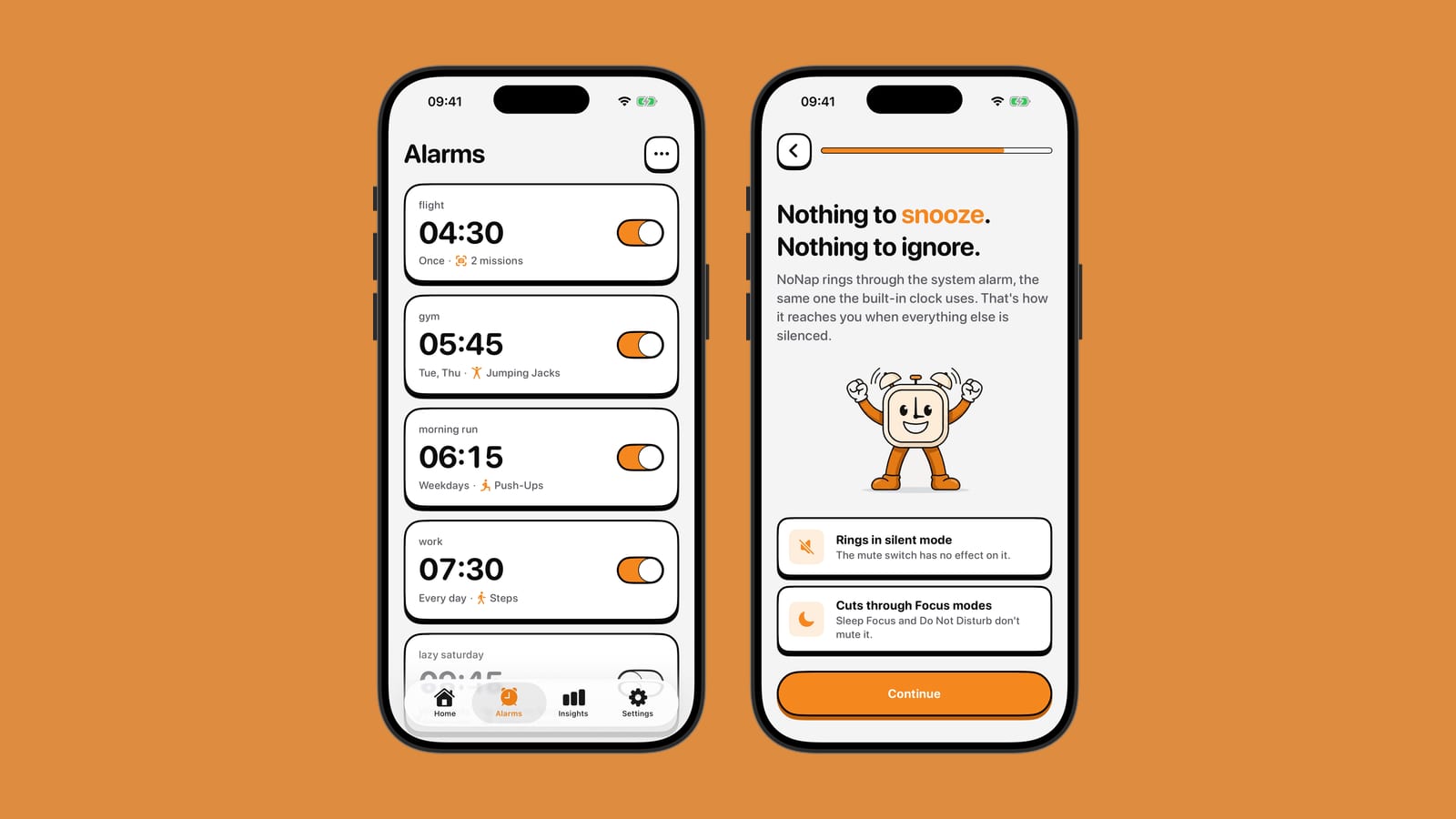
An Apple Watch alarm can wake you with a tap on the wrist instead of a sound, which is the whole pitch: no noise for a partner sleeping next to you, just a series of taps only you feel. NoNap solves the opposite problem. It assumes a sound alone already failed you once and asks for proof you got up. Here is how the two actually compare, based on Apple's own support documentation and NoNap's product terms.
Setting one up
On Apple Watch, you open the Alarms app, tap Add, and dial in a time with the Digital Crown. From there you can turn on Silent Mode for that alarm, which makes it vibrate without any sound at all, and optionally turn on Push Alerts from iPhone so the alarm also shows up on your phone. Snooze is on by default, with a toggle to turn it off per alarm.
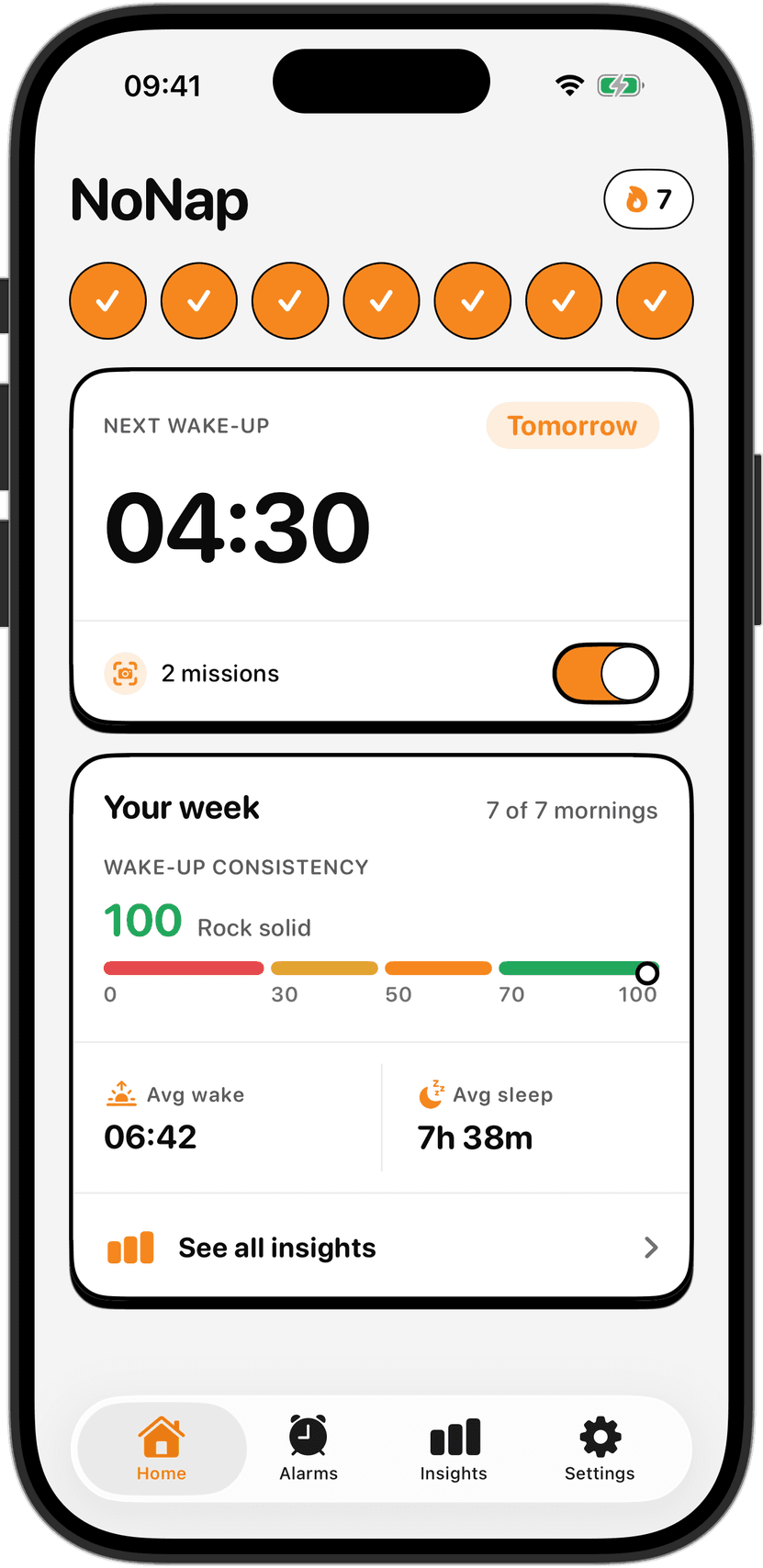
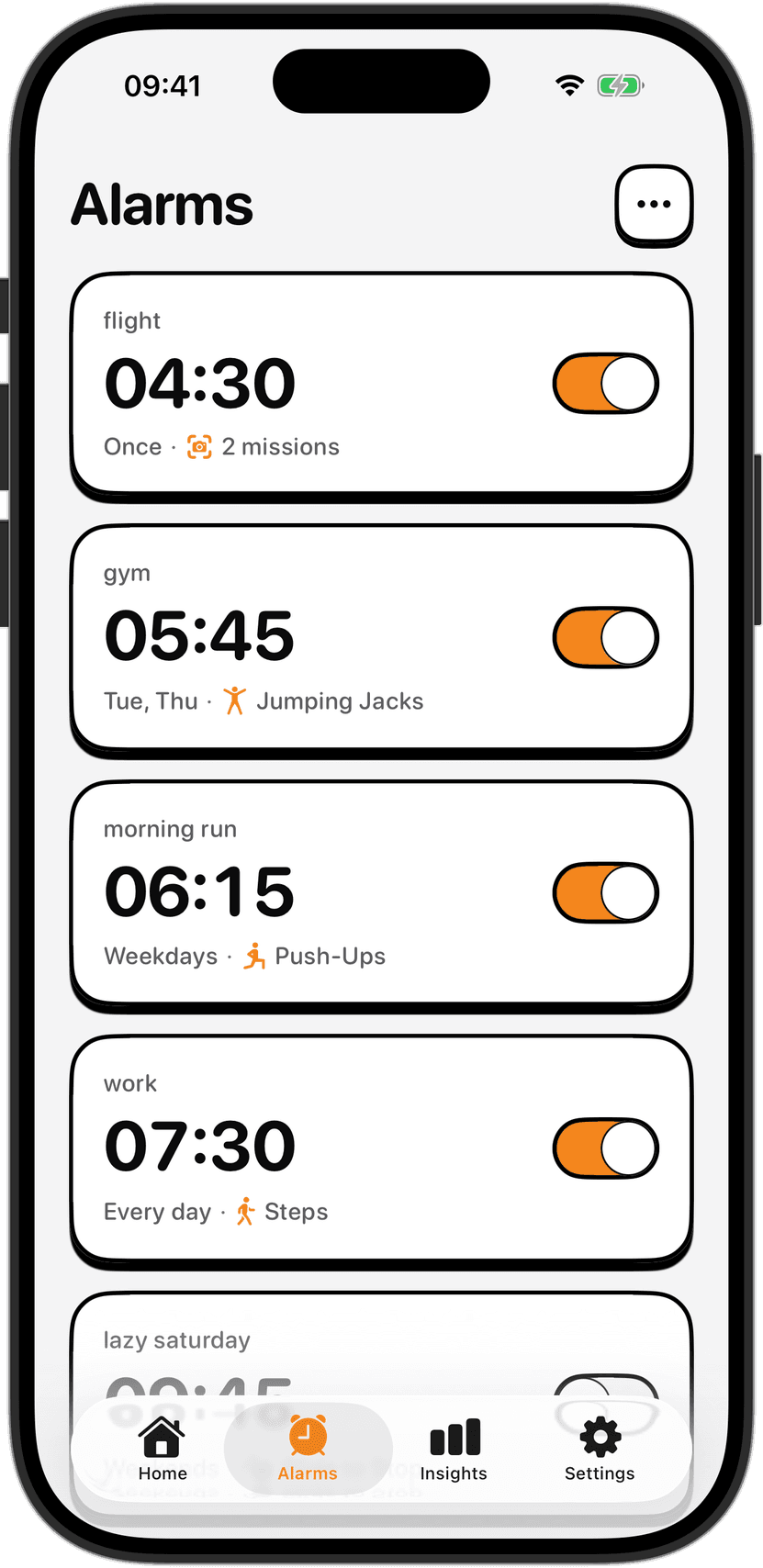
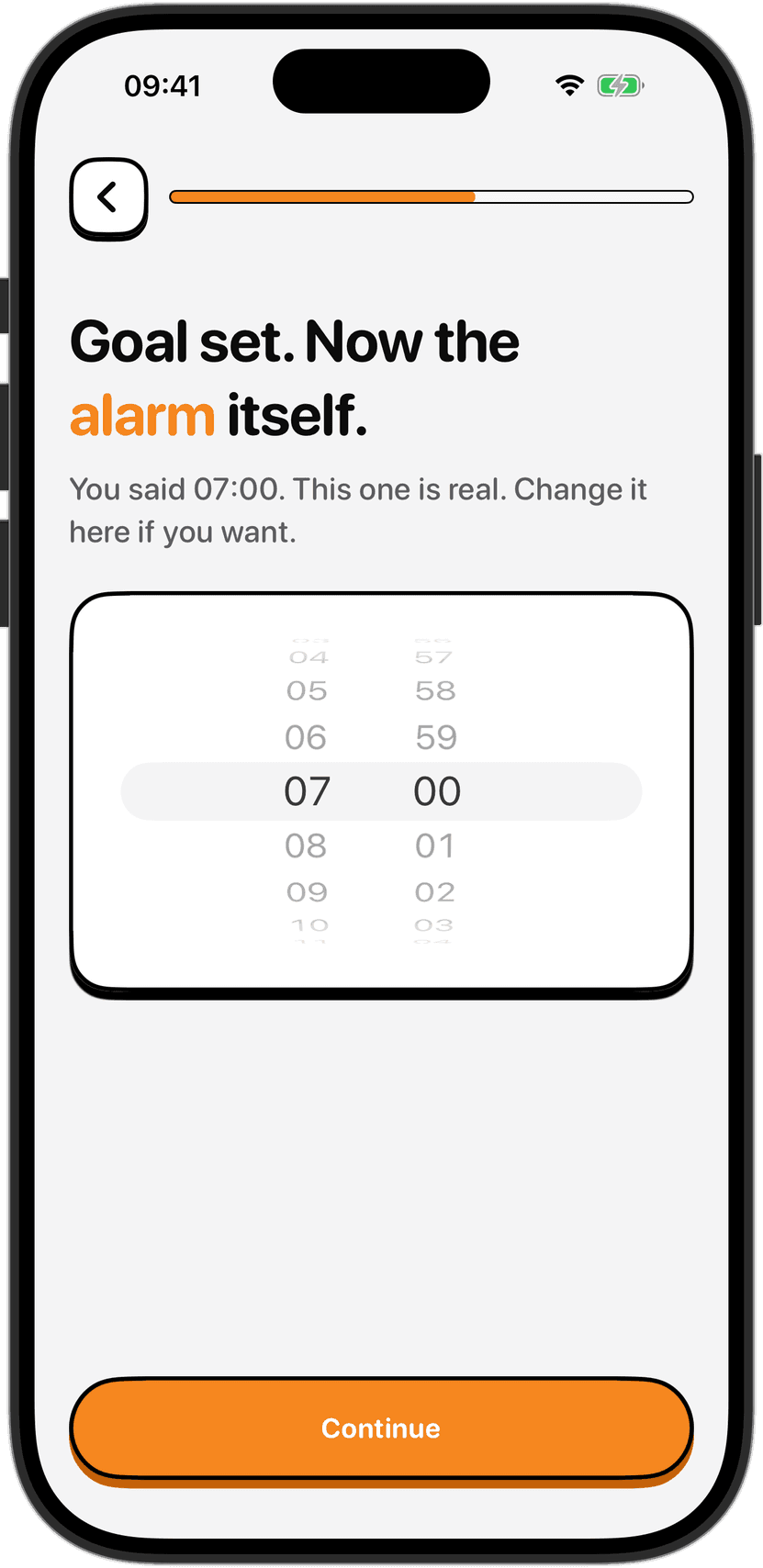
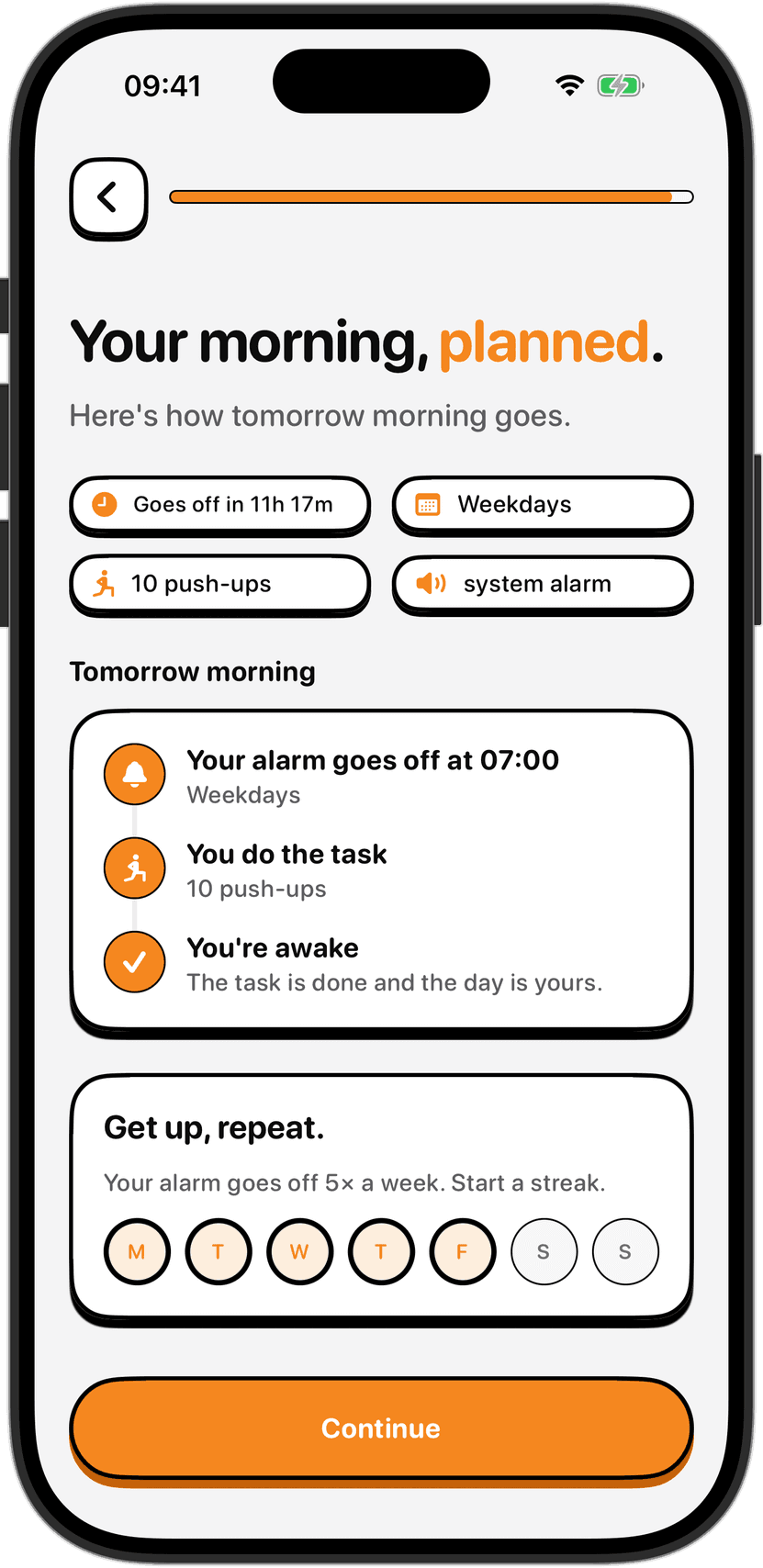
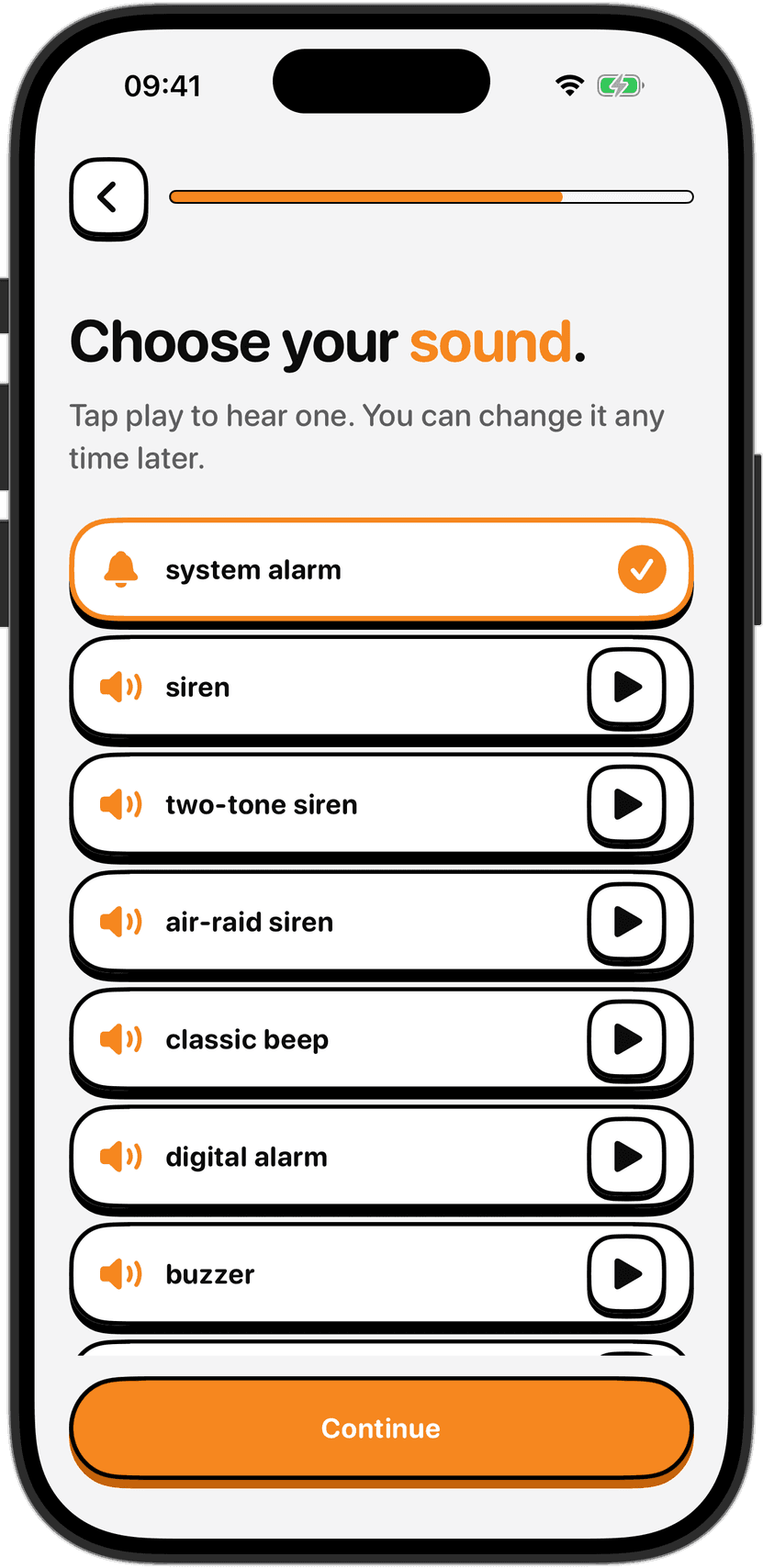
NoNap's setup happens once and stays that way. You pick a time, the days it repeats, a wake task and a sound, and that is the whole process, described in the app as taking about twenty seconds. There is no separate silent setting to remember, because the alarm always rings through the system alarm channel regardless of your phone's ringer switch.
Does it actually wake you up
This is where the two designs pull apart the hardest. Apple's support documentation describes wake-up alarms as an exception built into the watch: "to avoid accidental cancellations during sleep, wake-up alarms are not silenced with the cover to mute gesture," a workaround for a real complaint that surfaced after early versions let a rolled-over arm cancel the morning alarm without you noticing. Dismissing it, per Apple's alarm guide, means pressing the side button to turn it off or pressing the Digital Crown to snooze, if the watch is docked face-up in Nightstand mode overnight. Both of those are things a groggy hand can do without opening its eyes.
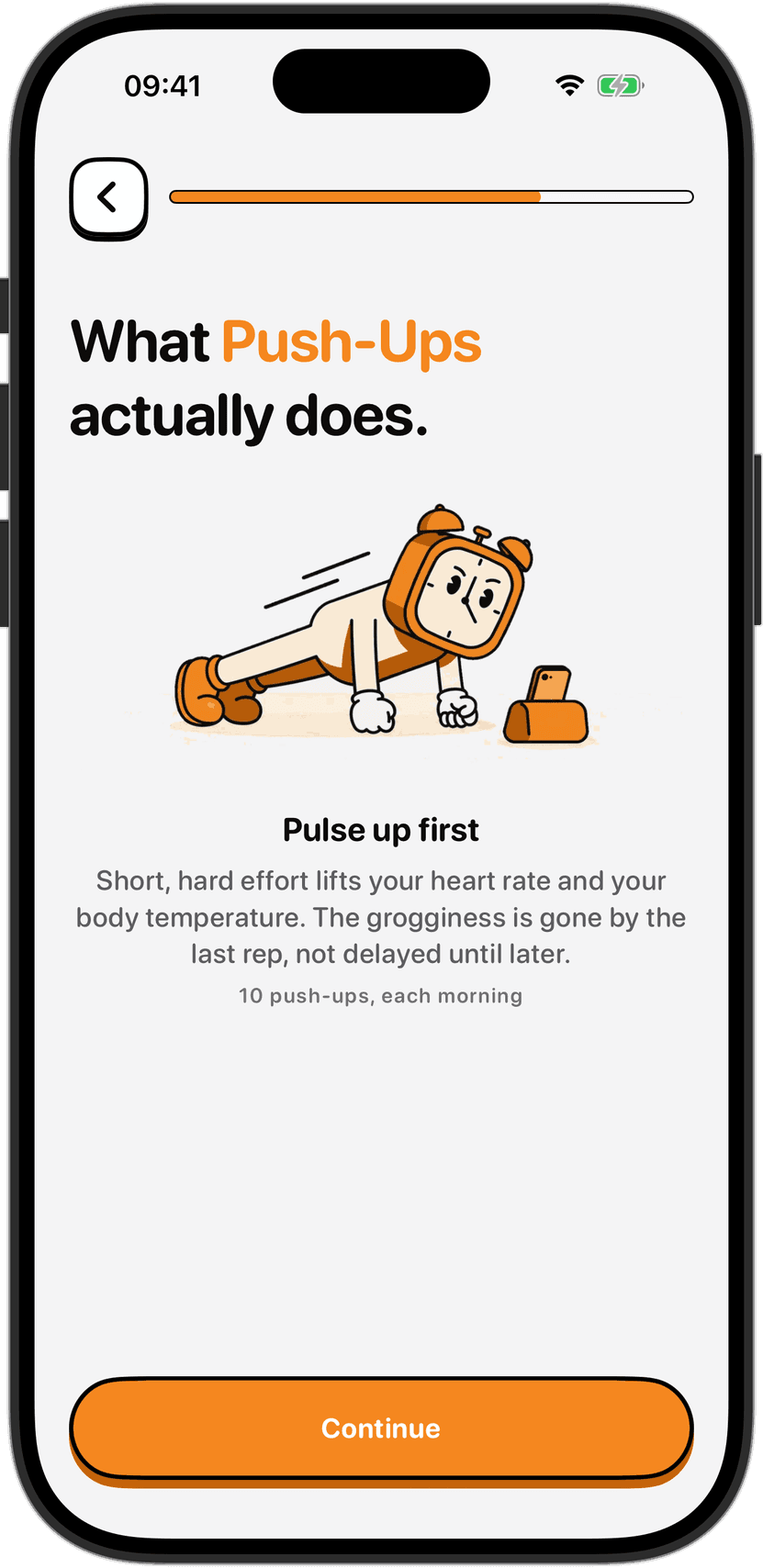
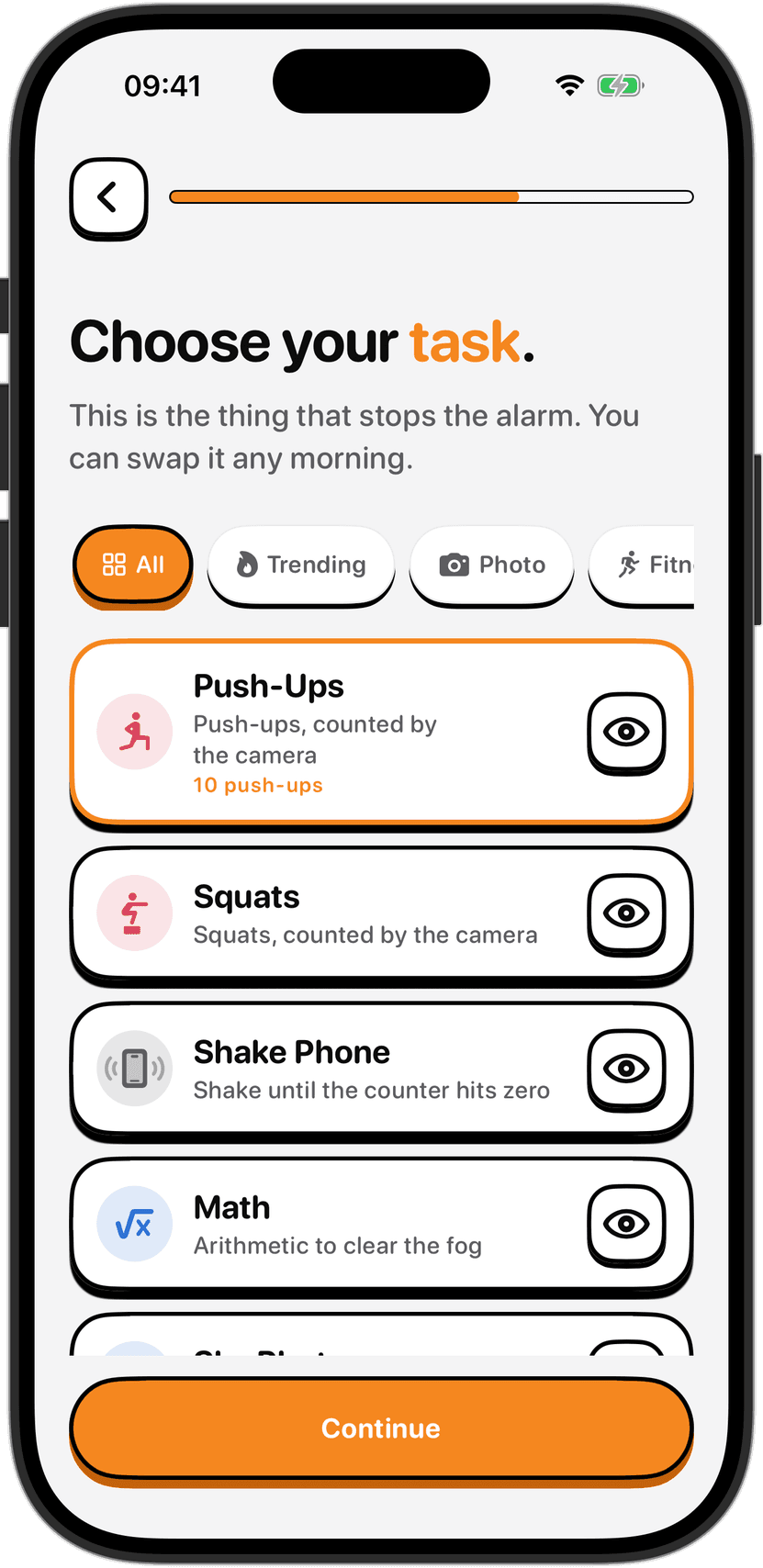
NoNap goes further by removing the option entirely. The alarm can't be dismissed from the lock screen, full stop. The only way to stop it is finishing the wake task you picked in advance: Push-Ups, Squats, Dance or a task called 67, counted by the phone's camera; Steps or Distance, tracked by motion sensors and GPS; Shake Phone, read from the accelerometer; Photo or Object, where on-device detection checks the camera frame; or Math, if movement isn't an option that morning. A tap on the wrist is easy to fold back into a dream. Fifteen camera-verified push-ups are not.
If a physical task is what gets you moving, mornings are still a bad time to push limits. Sleep inertia dulls coordination and balance right after waking, so clear the space around you, keep away from stairs and sharp edges, and set a target you can finish on a bad morning, not your best one. Stop immediately if anything hurts.
What it costs, and what you need to own
Here is the part that has nothing to do with software. Apple Watch alarms require an Apple Watch. As of September 2026, Apple's own site lists the Apple Watch SE 3 starting at $229, before you have installed a single app. NoNap runs on the iPhone already in your pocket. It has no free tier either, an app-only subscription, billed weekly, monthly or yearly, or a one-time lifetime purchase, with the exact price for your country shown before you buy, but it needs no separate device.
That distinction matters for the wake-up-alarm feature specifically, because it depends on the watch working through the night. Apple's own guidance for sleep tracking, which the wake-up alarm is built on, tells users to "charge your Apple Watch to at least 30% before bed," and offers a Charging Reminders setting that nudges you to plug it in before your wind-down time. Skip that and the tap-on-the-wrist alarm has nothing to tap with.
What happens to your data
An Apple Watch wake-up alarm sits inside the broader Sleep Schedule feature, which is built to track sleep. Apple's support pages describe it adding sleep duration, time in each stage and a nightly score to the Health app on your paired iPhone, which is useful if the point of your morning routine is understanding your night.
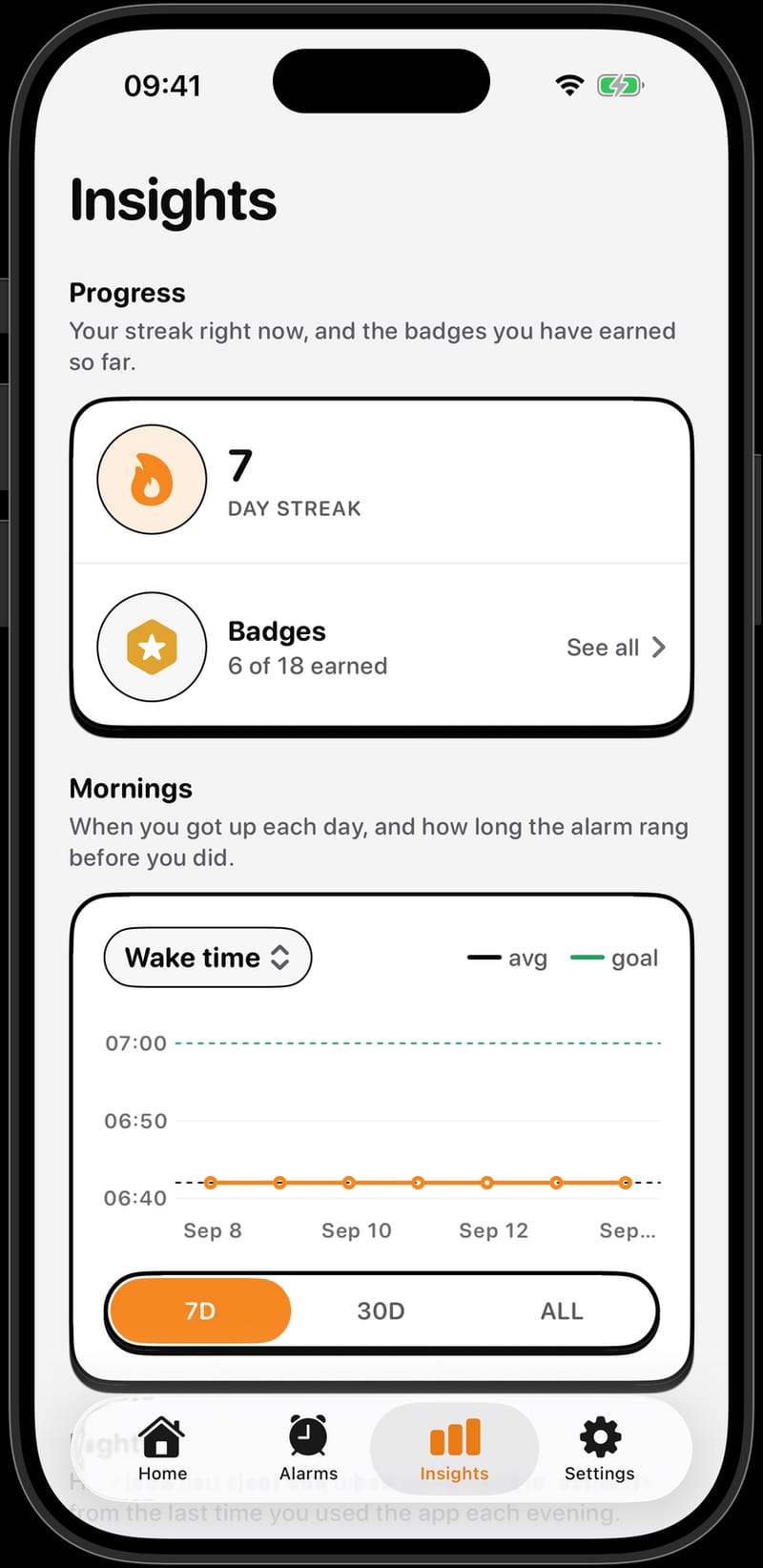
NoNap doesn't do any of that, by design rather than by omission. It has no account and no server that receives your alarms, wake tasks, camera frames or wake-up history. It does not read Apple Health data, does not track sleep, and does not monitor you overnight. What leaves the phone is the App Store purchase record, sent to RevenueCat to confirm your plan is active, and anonymous usage statistics you can switch off in Settings. If what you want from a morning app is a harder alarm and nothing else about your night going anywhere, that is a meaningfully different design goal than a sleep tracker with an alarm attached.
Which one fits you
If you already own an Apple Watch, want a silent wake-up that doesn't disturb whoever is next to you, and like having a sleep score alongside it, the built-in wake-up alarm is already sitting on your wrist at no extra cost. If you don't want to buy or charge a second device, and what actually gets you moving is a task you cannot half-do with your eyes shut, NoNap is built around exactly that. Check the wake tasks to see the full list, or the FAQ for how the subscription and lifetime plans compare.
Sources
Apple Watch alarm setup, the Silent Mode toggle, Push Alerts from iPhone and snooze behavior are from "Add an alarm on Apple Watch," Apple Support, support.apple.com/guide/watch/alarms-apd27ce65478/watchos, fetched September 2026.
The wake-up alarm's exemption from the cover-to-mute gesture and its side-button and Digital Crown dismissal are from "Change the volume, audio, and haptic settings on your Apple Watch," Apple Support, support.apple.com/en-us/108368, fetched September 2026.
The 30 percent pre-bed charge recommendation and Charging Reminders setting are from "Track your sleep on Apple Watch and use Sleep on iPhone," Apple Support, support.apple.com/en-us/108906, fetched September 2026.
Sleep duration, sleep stages and the nightly sleep score reaching the Health app are from "Track your sleep with Apple Watch," Apple Support, support.apple.com/guide/watch/track-your-sleep-apd830528336/26/watchos/26, fetched September 2026.
The Apple Watch SE 3 starting price is from Apple's own product page, apple.com/apple-watch-se-3, fetched September 2026.
NoNap's wake task mechanisms, setup flow, pricing structure and data practices are from Visana Studios' own product terms and privacy policy for NoNap, current as of September 2026.
Image credits
Both images are NoNap's own app screenshots, composited by Visana Studios.