Does Your Alarm Actually Work? Test It Before You Need It
Why testing your alarm matters, how alarms fail silently, and exactly how to test yours so you know it will wake you.
Visana Studios
7 min read
An alarm that does not wake you is worthless. Worse than worthless, because you find out at the moment you cannot afford to oversleep: the morning of an early flight, a job interview, an exam, or a commute you cannot be late for. By then it is too late. The time to discover your alarm does not work is not that morning. It is now, when you have time to fix it.
Most people never test their alarms. They set one, assume it works because they set it, and hope it will wake them when it matters. That hope is not a plan. Your alarm can fail in a dozen ways that are invisible until they matter. Your phone might be on silent. A notification setting might be off. Your volume might be low. Focus mode might be silencing notifications. An update might have changed something. You will not know until you test.
Testing an alarm is straightforward, takes ten minutes, and removes a source of real anxiety. Here is how.
Why alarms fail without you knowing
Your phone runs dozens of systems that can interfere with an alarm. The alarm app sends a notification, and the notification system has to deliver it. Your device's audio system has to play the sound. The notification has to get past any focus mode or do-not-disturb setting you have on. If any of these fail silently, you will not know until the alarm does not wake you.
Common failure modes include sound volume set to zero and not showing in the alarm settings, notification permission not granted to the alarm app, focus modes that silence notifications, do-not-disturb accidentally left on, a device setting that disables notifications at certain times, or an iOS update that changed a setting you relied on. Low battery can affect some phones' alarm reliability. A phone left in a bag or across the room is less likely to wake you even if it works. An alarm sound that is too quiet for your hearing or too familiar to register as urgent is less effective.
NoNap documents in its Terms of Service that alarms depend on iOS behaviour, the permissions you grant, focus modes, volume, do-not-disturb, and many other factors outside the app's control. The app itself has no guarantee mechanism. That responsibility falls to you. Testing is how you verify before your life depends on it.
How to test your alarm
Pick a time in the next few days when you are awake, have a few hours free, and can afford to be surprised by an alarm. Set a test alarm for 15 minutes from now. Do not tell yourself to stay awake for it or hold your phone in your hand. Go about what you would normally be doing. Walk away. The point of a test is to see whether the alarm wakes you without conscious effort to stay alert for it.
When the alarm goes off, notice what happened. Did you hear it? Was the volume loud enough? Did it wake you from a light doze, or would it have woken you from deep sleep? If you missed it entirely, something is wrong. If you heard it but needed a moment to realise it was an alarm, or it sounded too quiet, adjust the volume or change the sound to something that is more distinctive and jarring.
Check your phone after the alarm. What was the state of your device? Was it face down on a table, face up, screen off? You need to know how likely you are to hear it in your actual nighttime setup. If you sleep with your phone across the room, test the alarm from across the room. If you sleep with it on your nightstand, test from there. If you use a bedside speaker, test the alarm actually reaches the speaker.
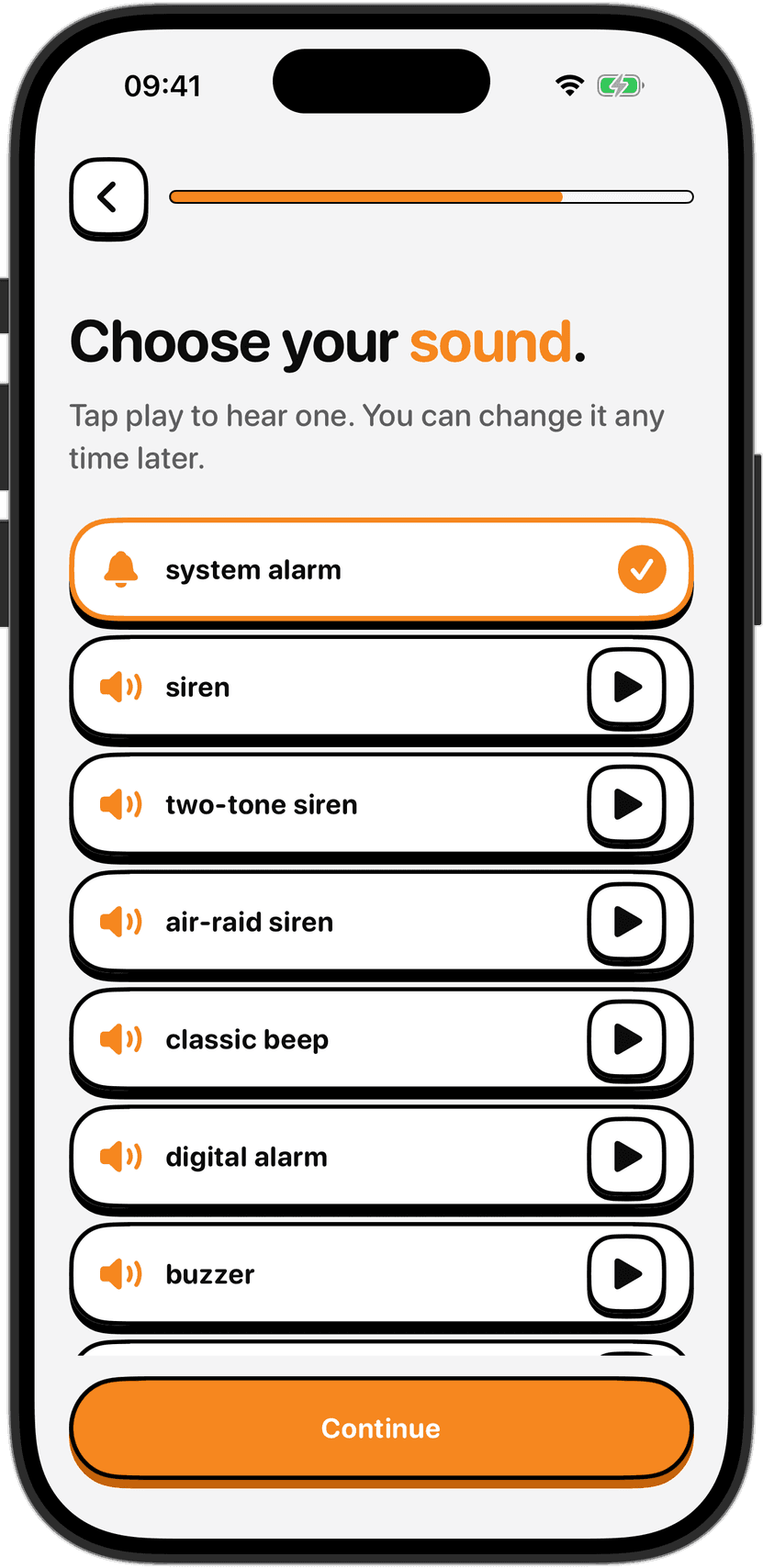
Check your settings. Verify that notifications are enabled for your alarm app. Check that your default alarm sound is actually set and is not muted. Check that your focus modes will not silence the alarm. In the alarm app, there is usually a sound setting. Tap it and confirm you are using a sound that actually plays, not one titled "silent" or something that sounds inert. The default alarm sounds on most phones are designed to be attention-grabbing. A gentle wind chimes sound will not wake you the way a loud electronic beep will.
Test at a realistic time. Alarms are less effective at waking you during deep slow-wave sleep than during lighter sleep, so test when you might be in different sleep stages. An alarm that wakes you easily at 3pm might not wake you at 3am. If you are testing a morning alarm, ideally test it early in the morning when you are not fully alert yet, or in the early afternoon when sleep pressure is building and arousal is harder.
Run the test more than once if the first test goes wrong. If you fixed a setting and want to know whether it worked, set another test alarm. Do not rely on a single test. Set two or three alarms, close your phone, and walk away.
If your test alarm fails, troubleshoot. Unmute your device. Go into Settings, turn up the system volume. Disable the focus mode that might be interfering. Restart your phone. Some settings only take effect after a restart. Then test again.
Create a backup
Even if your alarm test succeeds, have a backup for anything that matters. If you need to be awake for an important morning and oversleeping would be catastrophic, set two alarms. Set one at your target time and another for 20 minutes later as a backup. Different alarms sometimes use different alert systems. A second alarm increases your odds. If you are relying on your phone's alarm for something critical, ask someone who lives with you to help: set a phone call to wake you at a set time as a backup, or ask them to check that you are up.
For truly critical mornings, a wakeup call service exists. Some hotels offer wake-up calls. Some phone services offer scheduled calls. If you are travelling to an unfamiliar place or your alarm relies on a device you do not fully trust, a second system is cheap insurance against a morning that cannot be repeated.
A note on alarm volume and hearing
If you have hearing loss, or if you sleep through loud sounds, your alarm testing needs to account for that. Some phones allow you to pair your alarm with a vibrating watch or a bed shaker that creates physical vibration. A vibration you cannot sleep through is a good backup for sound you might not hear. Test your vibration alarm the same way you test your sound alarm. Set a test vibrating alarm while you are not expecting it and see whether you wake.
What a test tells you
An alarm test that works is not a guarantee. It is a data point. It shows your alarm works under those specific conditions: your phone in that location, in that sleep state, with those settings. Different nights are different. Heavy sleep, alcohol, medication, or sleep deprivation can all change how easily you wake. The goal of testing is to remove the low-hanging fruit: the configuration problems that would definitely cause you to oversleep, and the volume and notification issues that are easy to fix.
Once you have tested your alarm, verified that it works, and confirmed it in your settings, you can rely on it with more confidence. You have not eliminated all risk. No one can. But you have done your part. The rest depends on circumstances you cannot control, and on the decisions you make about backups for mornings where the stakes are high.
Sources
Apple Support. "Set up an alarm." Apple Support. Accessed October 2026. https://support.apple.com/en-us/HT201079
Apple Support. "Use Focus modes on your iPhone." Apple Support. Accessed October 2026. https://support.apple.com/en-us/118076
Apple Support. "Change volume and sound settings." Apple Support. Accessed October 2026. https://support.apple.com/en-us/HT202177
Czeisler, C. A. (2013). "Sleep and wakefulness: Chronic insomnia and the performance of resident physicians." Advances in Health Sciences Education, 17(4), 539-556.
Eastwood, H., Hobbs, F., & Bates, B. (2003). "Screening for hazardous alcohol consumption in general practice: a pilot study with the Alcohol Use Disorders Identification Test, Audit." Alcohol and Alcoholism, 37(6), 555-558.
National Highway Traffic Safety Administration. "Drowsy Driving." U.S. Department of Transportation. Accessed October 2026. https://www.nhtsa.gov/risky-driving/drowsy-driving
Sleep Foundation. "Alarm Clock Sleep." Sleep Foundation. Accessed October 2026. https://www.sleepfoundation.org/sleep-tools-tips/alarm-clock
The terms of service for NoNap document alarm reliability limitations at https://nonap.app/terms section 7.