Testing your alarm before an important morning
Why you should test your alarm, how to actually do it, and what goes wrong most often. A pre-event checklist to make sure you wake up on time.
Visana Studios
7 min read
You have an exam at 7 a.m., a flight at 5 a.m., or a job interview at 8 a.m. Your alarm is set. You feel ready. Then 2 a.m. hits and you lie awake, replaying a nagging thought: what if the alarm doesn't go off?
Most people never test their alarm. They set it once, trust it will work, and discover on the wrong morning that their phone was muted, a Focus mode was on, or they somehow slept through the sound. Testing takes five minutes and removes that entire category of failure.
Why alarms fail more often than you think
Your phone's alarm is reliable technology in a controlled lab. In the real world, a dozen small things can silence it without you knowing. The ringer switch on your iPhone is a physical toggle many people leave in silent mode during work or meetings and forget to flip back. A Focus mode can suppress notifications without disabling the alarm, but its settings vary. Do Not Disturb kicks in at sunset if you use Sleep Focus. Low Battery Mode dampens notification sounds. A background app might be holding onto a permission that interferes. Your earbuds connected earlier are still paired, so the sound goes there instead of the speaker. You granted or revoked a permission in a half-asleep state at 2 a.m.
None of these are bugs. They are features interacting in ways that make sense individually but combine in ways that don't. The research on sleep inertia shows something else: even if the alarm does go off, you might not hear it clearly or register it immediately if you are deep asleep. The first alert might not be enough. Everything that adds redundancy helps. One alarm at a consistent time, tested and with a physical task to complete, beats a stack of seven alarms that train your brain to hit snooze every one.
The test: How to do it properly
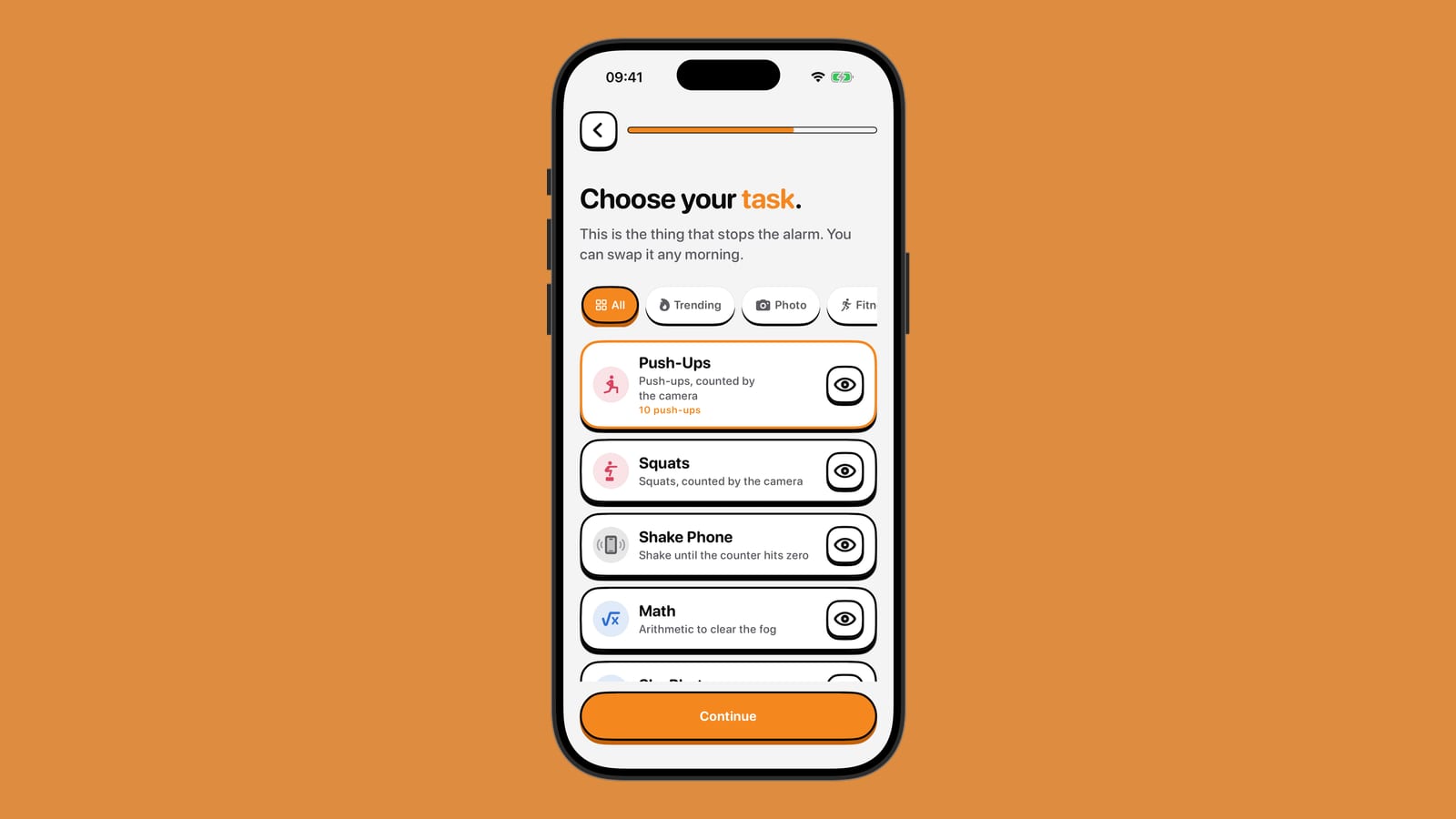
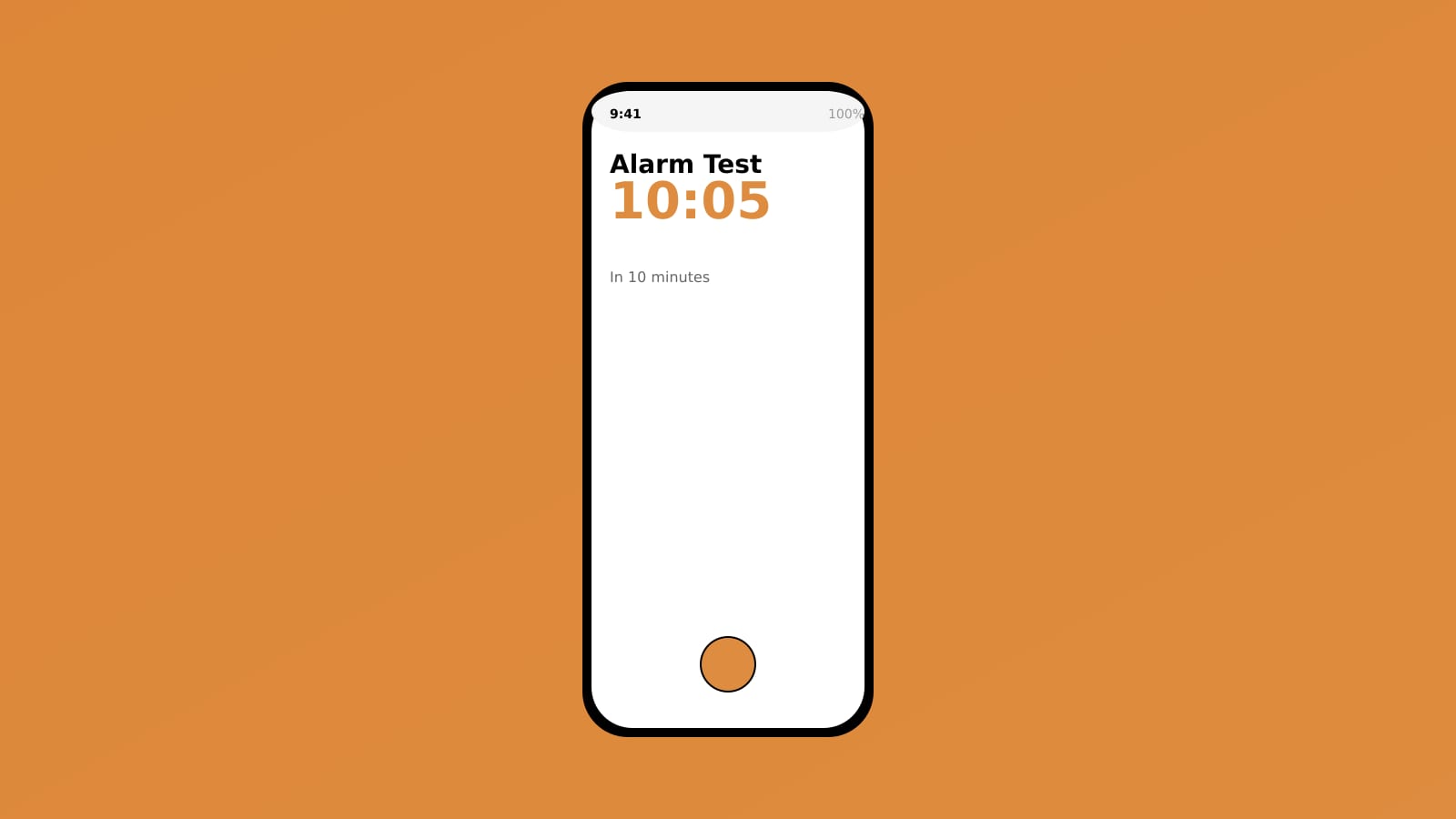
Set an alarm for 10 to 15 minutes from now, using the exact same method you will use on the important morning. If you are relying on your phone's built-in Clock app, set it there. If you are using NoNap, set it there. Do not use a different app just for testing. Pick the same sound, the same wake task, and if applicable, the same alarm configuration.
Now put your phone down and walk away. Go to another room, not your bedroom. The point is to hear the alarm the way you will on the morning itself, not in an alert state, hand on the phone. If you use earbuds, have them in. If you usually have the phone on the nightstand, put it there now. If the sound usually goes to a connected device, make sure it is connected.
Wait. When the alarm goes off, notice what you hear. Is the sound loud enough? Could you sleep through it? Did it come from where you expected, or did it route somewhere unexpected? If you have earbuds connected, did it come through them or the speaker? Would you have woken up easily, or would you have needed the alarm to be louder or longer?
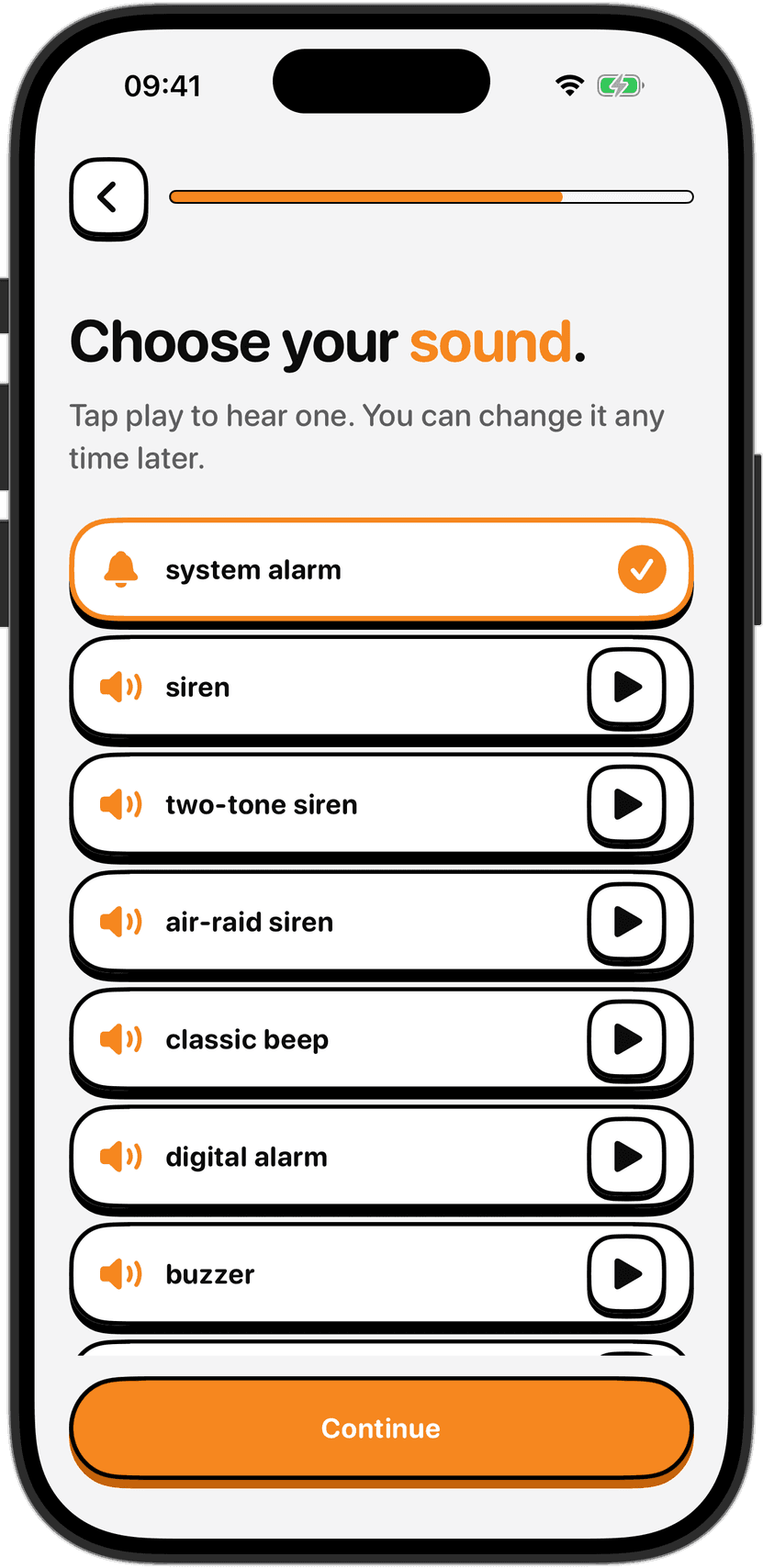
If anything surprised you, fix it now. Turn off the earbuds, unplug the speaker, raise the volume. Change the sound to something that startles you more reliably. On iPhone, the built-in alarm sounds are surprisingly quiet compared to sounds people choose for notifications. Test a few. If you are using NoNap, you can change the sound when you edit the alarm. Test again if you changed anything.
What to check beforehand
The night before the important morning, run through this checklist.
Mute switches and Focus modes. Flip your iPhone's ringer switch to the on position. In Settings, check that your Sleep Focus (or Do Not Disturb schedule) is actually off for the time you need to wake up. If you use Sleep Focus, check which apps it is silencing. Alarms should not be on that list, but verify. If you have a custom Focus mode for work or school, make sure it is not active overnight.
Battery and power mode. If your phone is below 20 percent, charge it. Low Power Mode is off by default, but if you have it on, turn it off for the night. Your alarm will work on low battery, but the phone should have enough juice to get through the night without dying.
Permissions. Open the app you will use for your alarm (Clock, or NoNap, or whatever you chose). Open it directly from your home screen, not from a search result. Let it fully load. If it asks for any permission (notifications, alarms, whatever), grant it. Some phones have permissions that need to be active for alarms to ring, and they occasionally get turned off by system updates.
Connected devices. If you have Bluetooth earbuds, AirPods, or a speaker paired to your phone, unpair them if you plan to use the phone's speaker for the alarm. If you will be using earbuds because you have a partner sleeping in the room, do the pairing test the night before, not the morning of. You do not want to discover they are low battery or won't reconnect when you need the alarm to sound.
Volume and sound. Test the volume at the time you plan to sleep. Late evening is better than 10 a.m., because your auditory system works differently at different times of day and you want to know how loud things sound when you are actually sleepy. Turn off any music, podcasts or videos. Open the Clock app (or NoNap) and make sure the alarm volume slider is set to high, not to the device volume or ringer level.
The alarm itself. Set a test alarm for 15 minutes from now. Leave your phone in the room where you will sleep, in the position you will use it: next to the bed, on the nightstand, wherever. Go another room and wait. When it goes off, check all of the above. Did it make the noise you expected? Did it wake you, or would it have? Is there a physical task stopping you from hitting snooze and going back to sleep?
The backup
Some people swear by two alarms. The research is mixed. A stack of alarms trains your brain to ignore them. You snooze the first one, so the second one does not matter either. If you set two, make them actually different: one on your phone, one on a partner's phone that they have promised to not snooze. One with a different sound. One a few minutes earlier as a warning. Something that breaks the pattern of hitting snooze on the same sound repeatedly.
A better backup is a physical one. The night before, ask someone you trust to call or message you at your alarm time. If you have a partner, ask them to physically nudge you awake and make sure you are actually getting out of bed, not just putting the phone down and going back to sleep. If you are alone, set a calendar reminder for ten minutes after the alarm, not on your phone but shared with someone who can follow up if you do not check in.
After the important morning
Whatever you did that worked, do it again next time. Patterns matter. You have just confirmed that your alarm setup works in real conditions. Write down the exact time you need to set the alarm for, the sound you used, and whether you had any issues during the test. That one-minute note is worth more than a mental note. You will forget the details by the time the next early morning comes around.
The night before also matters. People often trade sleep for last-minute preparation, staying up an hour later to finish packing or cramming. Sleep inertia is deepest after short sleep. You wake up groggy, and the first alarm feels like it is ringing at 3 a.m. One extra hour of sleep, combined with a tested, reliable alarm and a physical task to complete, is the most effective combination. Do not sacrifice the sleep for the last-minute prep. That prep is exactly why you are waking up early, and you are more effective at it when you are not exhausted.
Sources
Tassi, P., & Muzet, A. (2000). Sleep inertia. Sleep Medicine Reviews, 4(2), 183-200. https://doi.org/10.1053/smrv.1999.0095
Czeisler, C. A., & Gooley, J. B. (2007). Sleep and circadian rhythms in humans. Cold Spring Harbor Symposia on Quantitative Biology, 72, 579-597. https://doi.org/10.1101/sqb.2007.72.064
Chee, M. W., Chuah, L. Y., Venkatraman, V., Chan, W. Y., Philip, P., & Dinges, D. F. (2006). Functional imaging of working memory after 24 hr of sleep deprivation: Differential brain activation in fast and slow responders. Journal of Neuroscience, 26(17), 4694-4702. https://doi.org/10.1523/JNEUROSCI.3469-05.2006
Image credits
Cover image: created for this post.