Why do some alarm apps ask for camera access?
Camera-verified wake tasks like push-ups and squats run entirely on your phone and save nothing. Here is exactly what gets analyzed, and what never does.
Visana Studios
4 min read
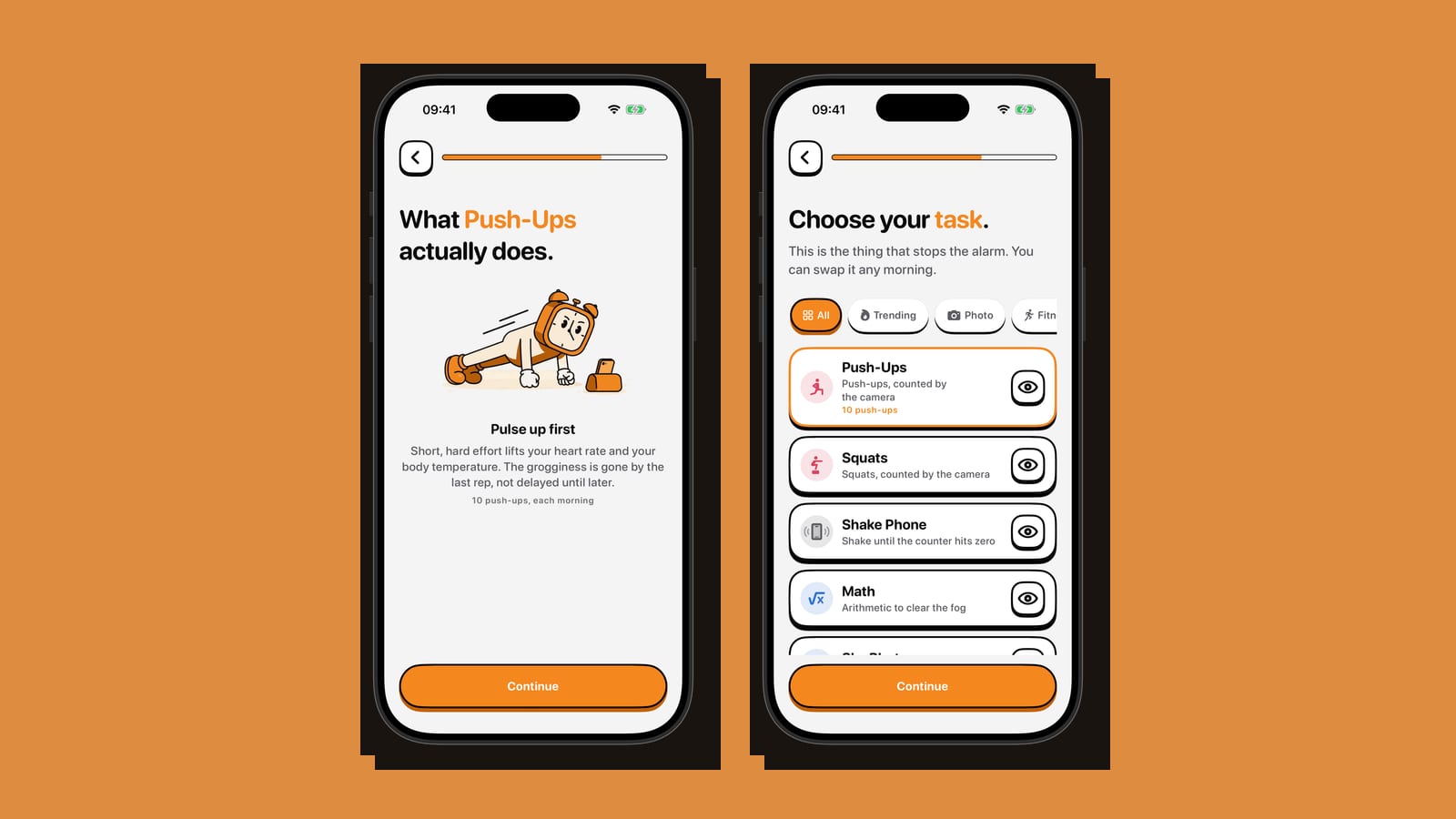
An alarm app asking for camera access looks, on paper, like exactly the kind of request worth refusing. iOS shows the same permission dialog whether an app wants the camera to scan a document or to watch you get out of bed. What that dialog never explains is what happens to the picture afterward. For a wake-up app, that answer is the whole story.
How a camera counts a push-up without keeping any video
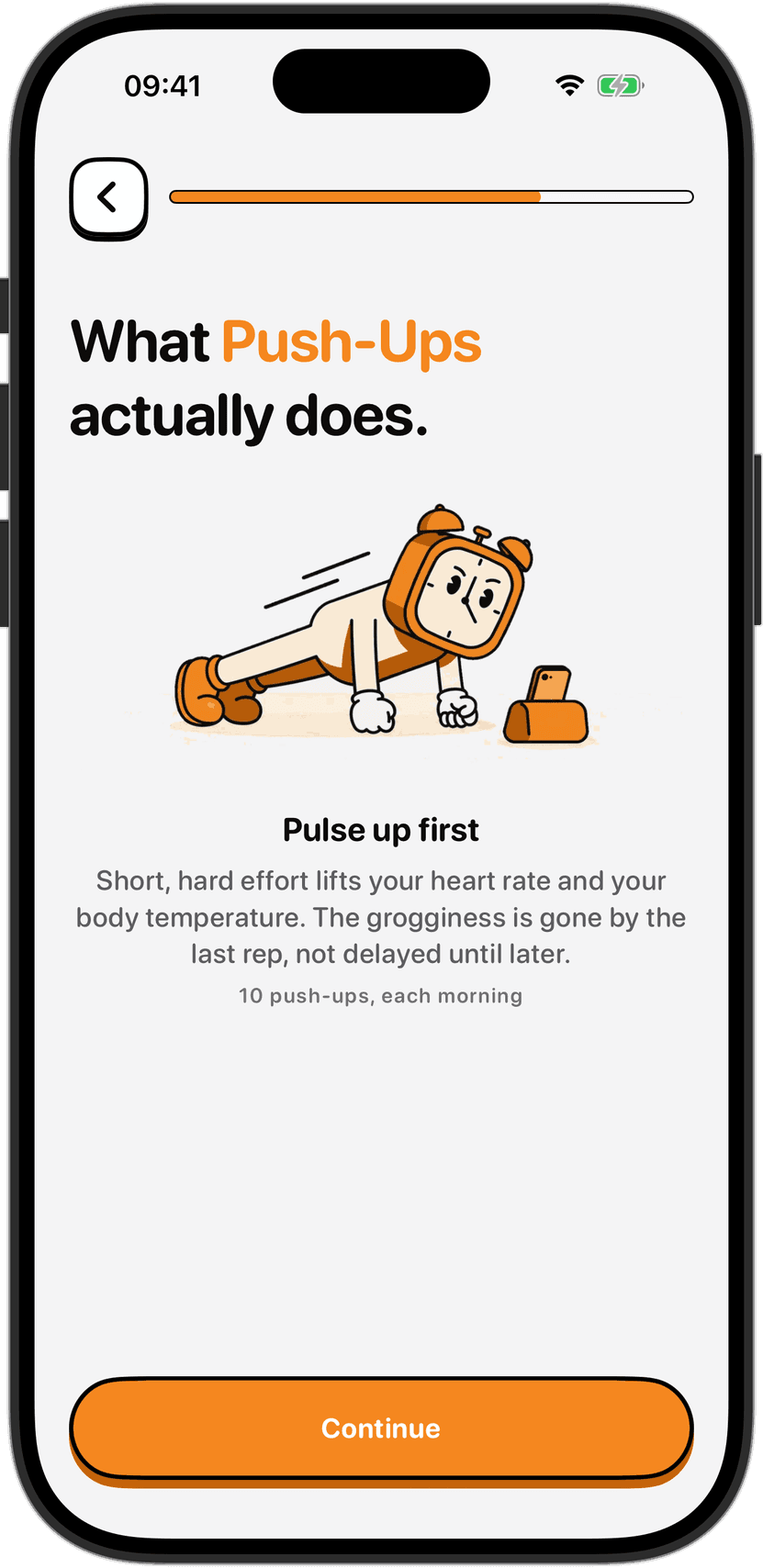
Some wake tasks, Push-Ups, Squats, Dance and a quick-reflex task called 67, are checked by the camera. With permission, the app opens it and runs on-device machine learning to recognize where your limbs and torso are in the frame, moment to moment. It uses that position, not a saved clip, to count each repetition.
The feed is analyzed live and thrown away a frame at a time. Nothing gets written to storage. Nothing lands in your photo library. Nothing is uploaded, because nothing needs to be. Counting a push-up only requires knowing where your shoulders and elbows are right now, not a record of where they were a second ago. It also isn't facial recognition. The detection reads body position, not identity, so no face template or other biometric marker gets created, stored or shared. And because everything runs on the device, none of it needs an internet connection to work.
This is not a strange workaround unique to one app. Apple's own privacy page states plainly that face recognition and scene and object detection on iPhone are "done completely on your device rather than in the cloud," and describes using machine learning to improve both the experience and privacy at once, by processing images locally so other people never see your data. A camera-based wake task follows the same logic: analyze on the phone, keep nothing afterward.
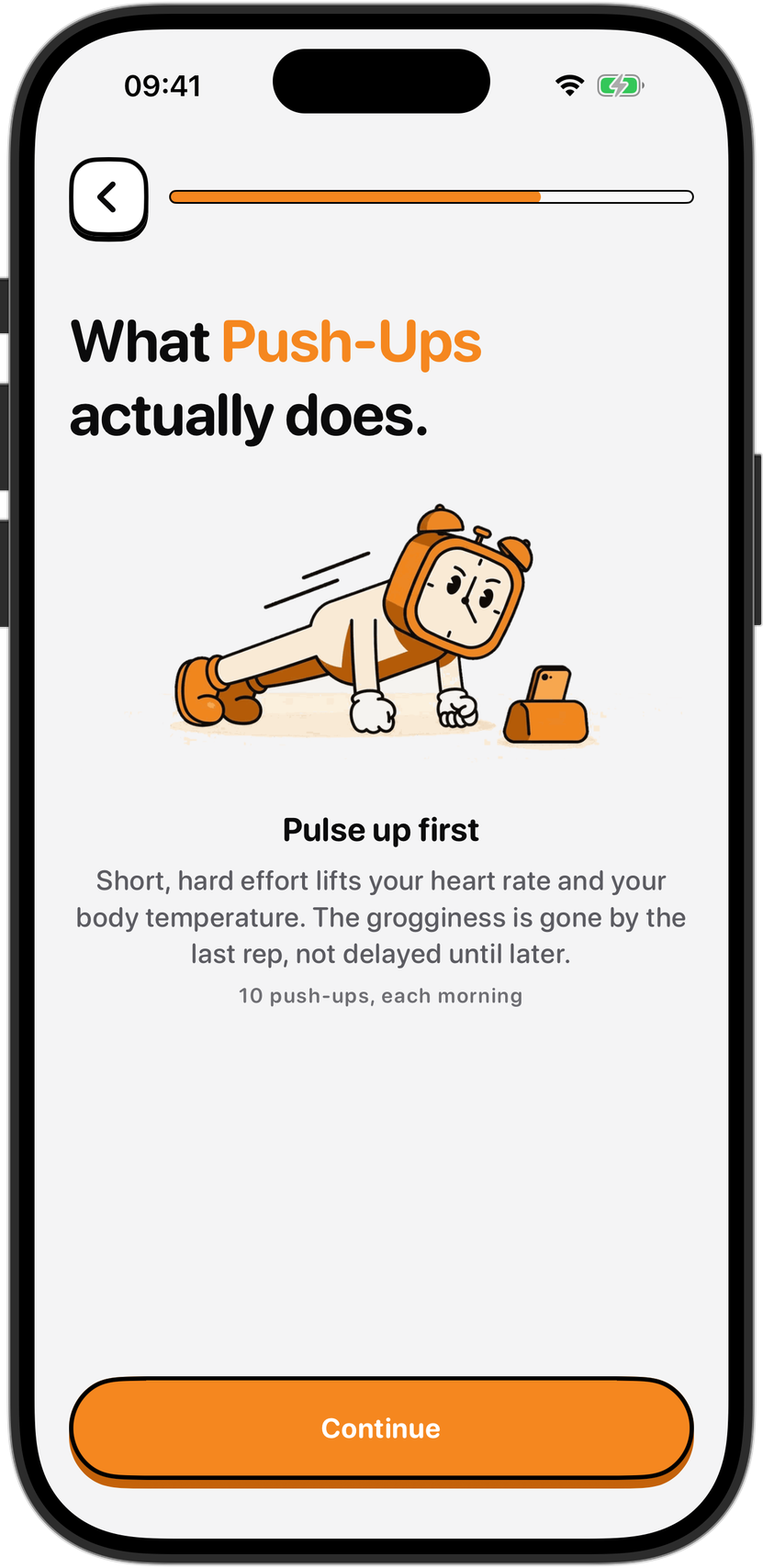
Photo and Object tasks work the same way
Two other tasks point the camera outward instead of at you. Photo and Object ask you to aim at something, a made bed, the bathroom sink, or an object you chose ahead of time, and on-device object detection checks whether it's actually in frame. It's the same live-analyze-and-discard process. No image is stored, uploaded or looked at by anyone, including the people who built the app.
One caveat is worth stating directly, since a camera pointed around a bedroom can easily catch someone other than the person wearing the phone. Don't point it at someone else without asking first. Nothing gets recorded either way, but photographing another person without their knowledge is its own separate issue, and that one has nothing to do with what the app does or doesn't save.
Why the hesitation is reasonable anyway
Nobody grants a camera permission lightly, and the research backs that instinct up. A Pew Research Center survey found that six in ten app downloaders have chosen not to install an app after learning how much personal information it wanted, and 43 percent have gone back and removed one they'd already installed for the same reason. That survey is over a decade old now, but the underlying wariness has only gotten more justified since, not less.
The honest response to that wariness isn't a promise to trust. It's a permission scoped tightly enough that the promise barely matters. Camera access only does anything for the seconds a wake task is actually running. Revoke it in iOS Settings the same way you would for any other app, and the camera-based tasks simply stop working while everything else, alarms, streaks, the rest of the picker, keeps running exactly as before. There's also no account sitting behind any of it, so there's no server-side profile that a camera permission could quietly feed over time.
If the camera still isn't for you
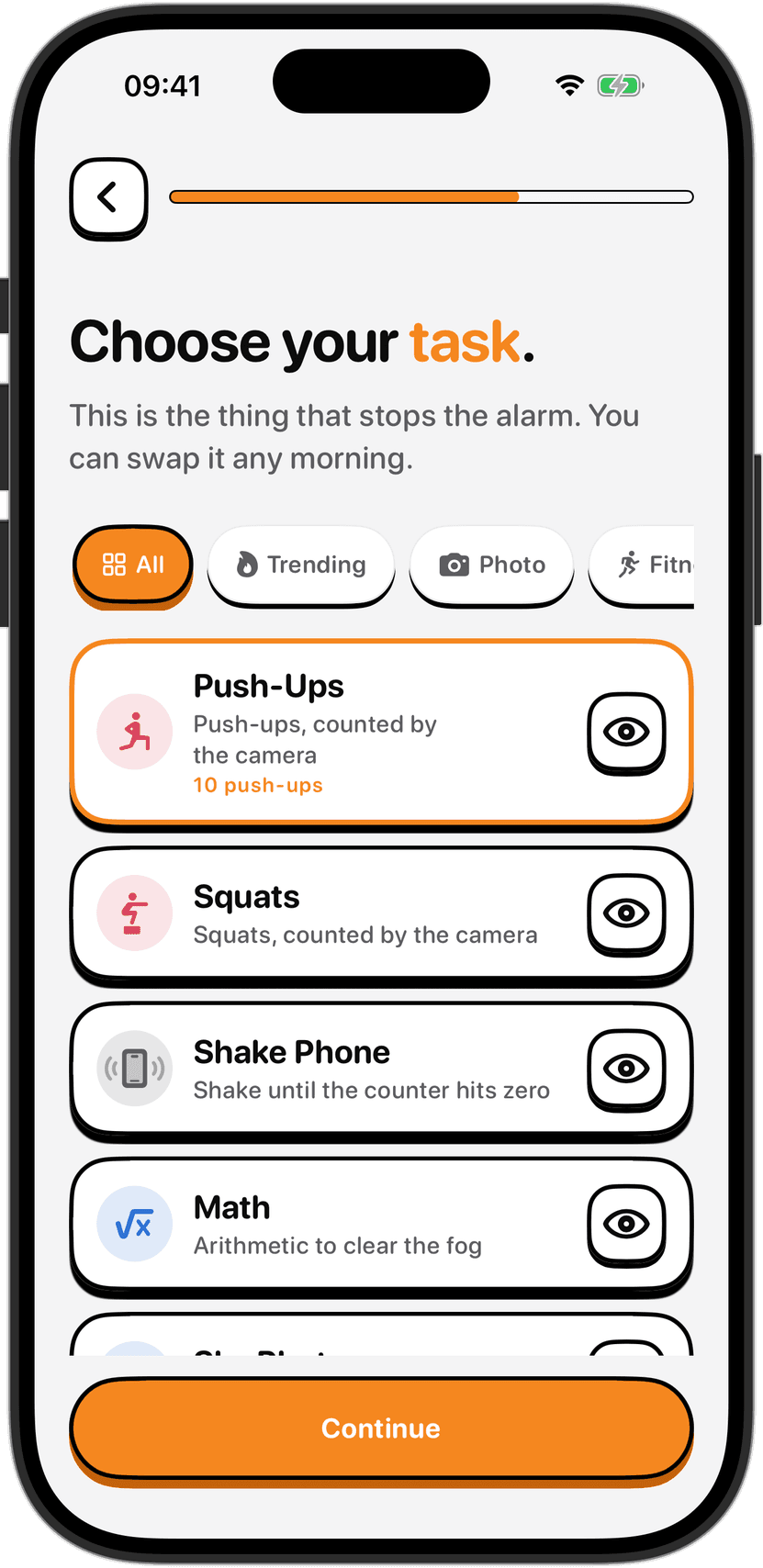
Not every wake task needs it. Steps and Shake Phone read the phone's motion sensors instead of the lens. Distance measures how far you've walked using GPS. Math is a problem on screen and nothing else, no sensor involved at all.
If Steps or Distance appeals because it gets you outside before the rest of the day starts, treat that like any other movement attempted half-asleep. Clear the space around you before you start moving, watch for stairs and traffic if you're heading out the door, and don't check the screen instead of where you're walking. Switch to Math or Shake Phone on a morning when your balance or your surroundings don't feel right, and stop if anything actually hurts. None of that is medical guidance, just the same caution worth applying to exercise done before you're fully awake.
Which task fits is mostly a question about your own mornings, not a privacy question at all. Someone sharing a bedroom might reach for Math or another wake task over one that has to be aimed carefully to avoid the person still asleep next to them. Someone who wants a reason to step outside might pick Distance instead. The alarm that rings through silent mode and Focus still gets you to the task either way; which task you land on afterward is the part you get to choose every morning.
Sources
Apple, "Privacy Features," apple.com/privacy/features, accessed September 2026, for the statement that face recognition and scene and object detection run entirely on-device rather than in the cloud, and for Apple's description of on-device machine learning as a privacy measure.
Pew Research Center, "Key Takeaways: Apps, Privacy and Permissions," pewresearch.org/internet/2015/11/10/key-takeaways-mobile-apps, for the finding that six in ten app downloaders have declined to install an app over the personal information it requested, and that 43 percent have uninstalled one for the same reason.