Why NoNap's alarm can't be dismissed from the lock screen
The design choice that keeps you from snooping away in half-sleep. How NoNap protects against the habits that keep you in bed.
Visana Studios
5 min read
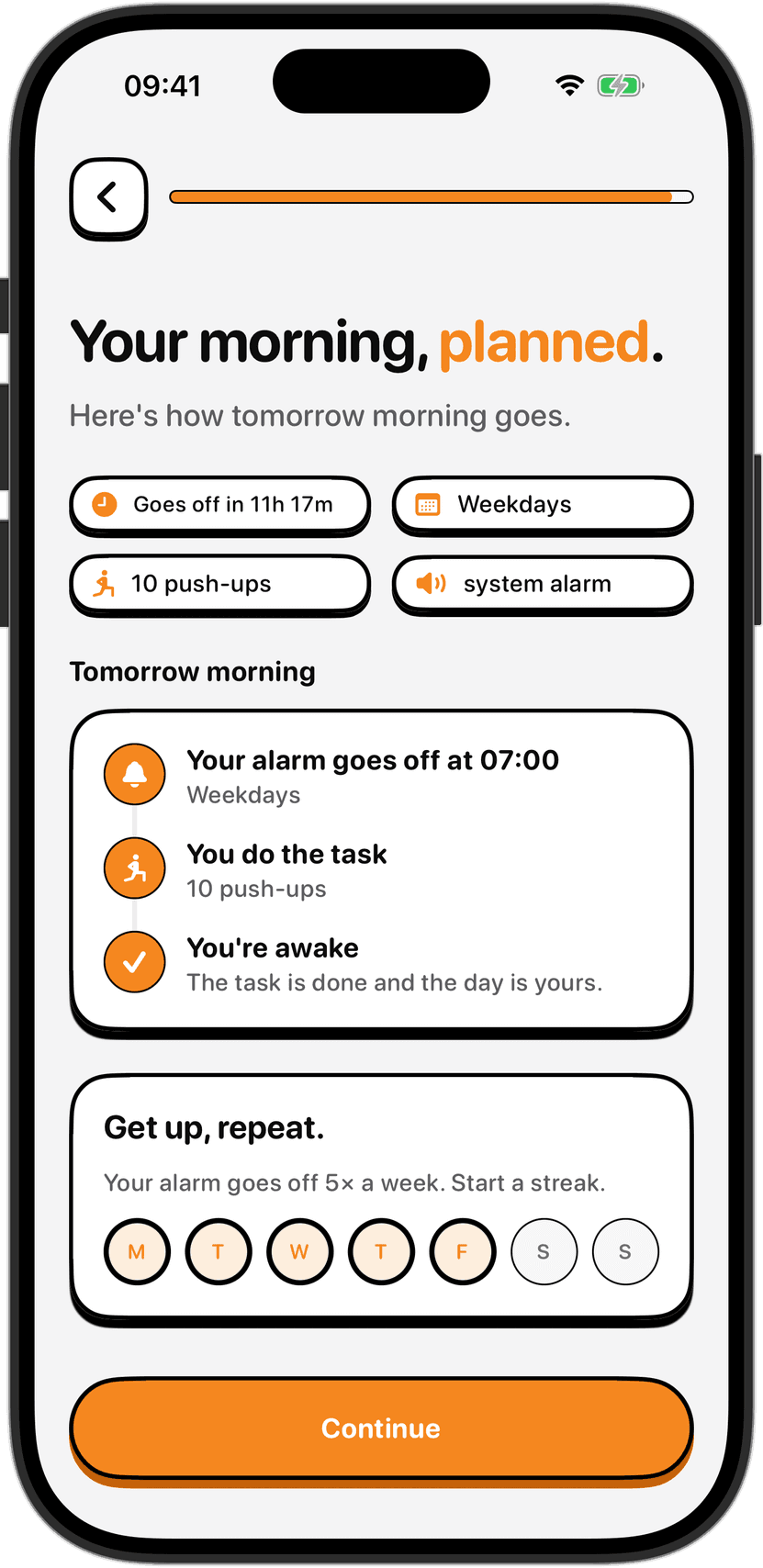
You wake up. Your phone is ringing. It's 7 a.m. Your brain is foggy. Without even unlocking the device, you reach for the button that always worked before - the one that dismisses the alarm and buys you five more minutes. Except there is no button. There is no way to dismiss it from the lock screen. The only way to stop the alarm is to unlock the phone, complete the wake task you chose in advance, and actually be awake.
This is not a limitation. It is the entire design.
The lock screen vulnerability
Most alarms live on the lock screen. When an alarm sounds, your phone is probably locked. iOS shows you a simple interface: the time, a snooze button and a dismiss button. Both are there because you might be calling someone in an emergency, and both are designed to be accessible before you unlock the device.
That accessibility is the problem. If you can dismiss an alarm from the lock screen, you can do it while you are barely conscious. Your brain is not awake enough to decide if it is really time to get up. It is awake enough to want to go back to sleep. So it reaches for the dismiss button, and your morning is over.
Snoozing is the visible part of this. The snooze button exists for this exact reason - so a half-asleep person can buy time. But dismissing an alarm without snoozing is just as dangerous. You dismiss it, roll over, and another 30 minutes pass before you realise you have to get up anyway. Except now you are 30 minutes late.
The problem with five-minute habits
The snooze habit is powerful because of how your brain works in the first 30 minutes after waking. During that time, your judgment is impaired by sleep inertia. You are not being lazy. You are not making a clear choice to stay in bed. Your brain is still asleep, making decisions that a more awake you would never make.
Snooze once, and you lose five minutes. It feels like almost nothing. Your brain learns that the alarm is negotiable. Tomorrow it will snooze again, a little faster, a little more confidently. Over weeks, you train yourself to snooze automatically, without thinking about it. Some people wake up to six alarms in a row, nine minutes apart, because each one taught their brain to dismiss this one too and wait for the next.
Dismissing without snoozing sounds better, but it teaches the same lesson. The alarm sounds, you tap it away, and you stay in bed. Your brain still learns that the alarm is optional.
How NoNap breaks the pattern
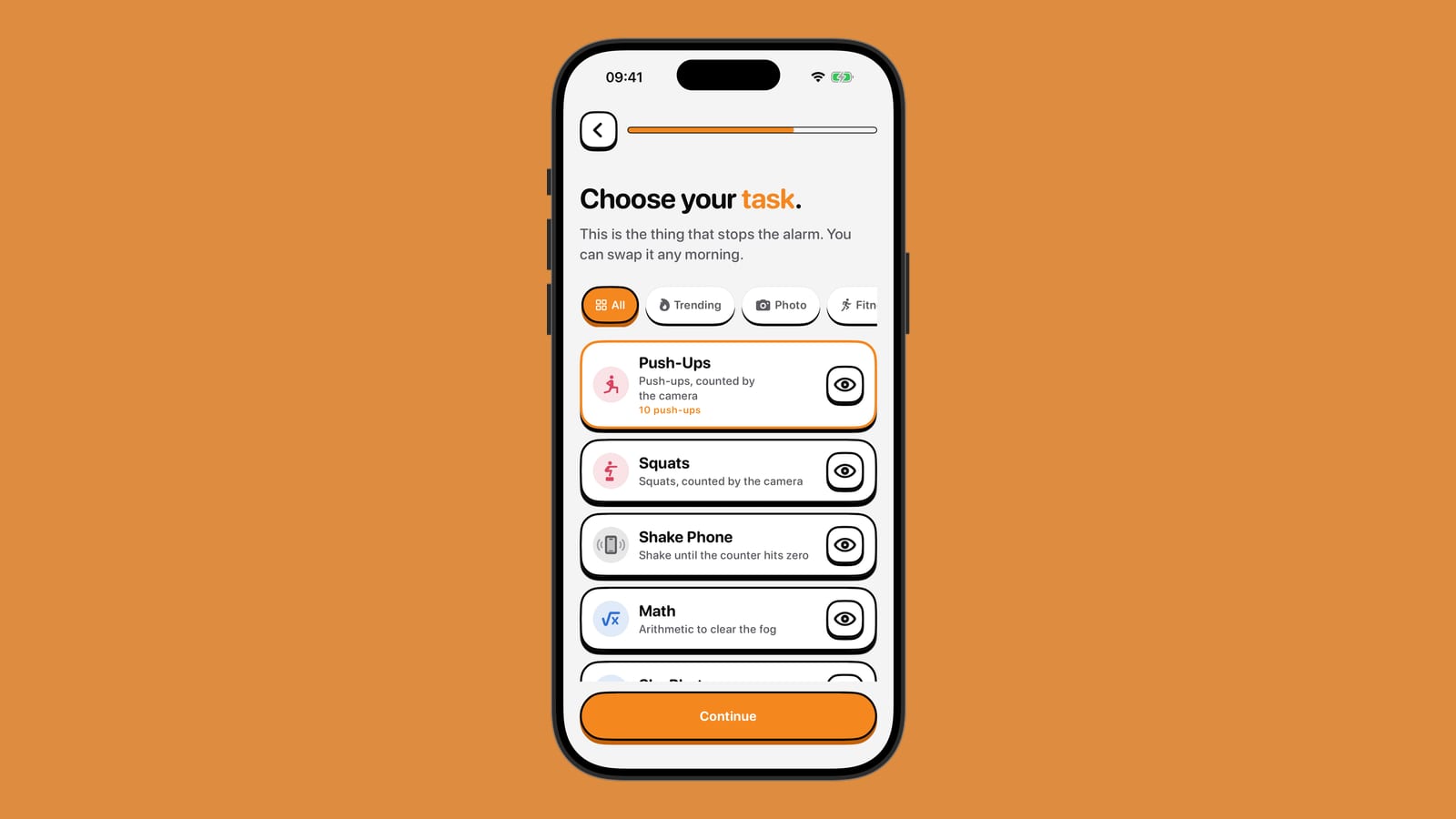
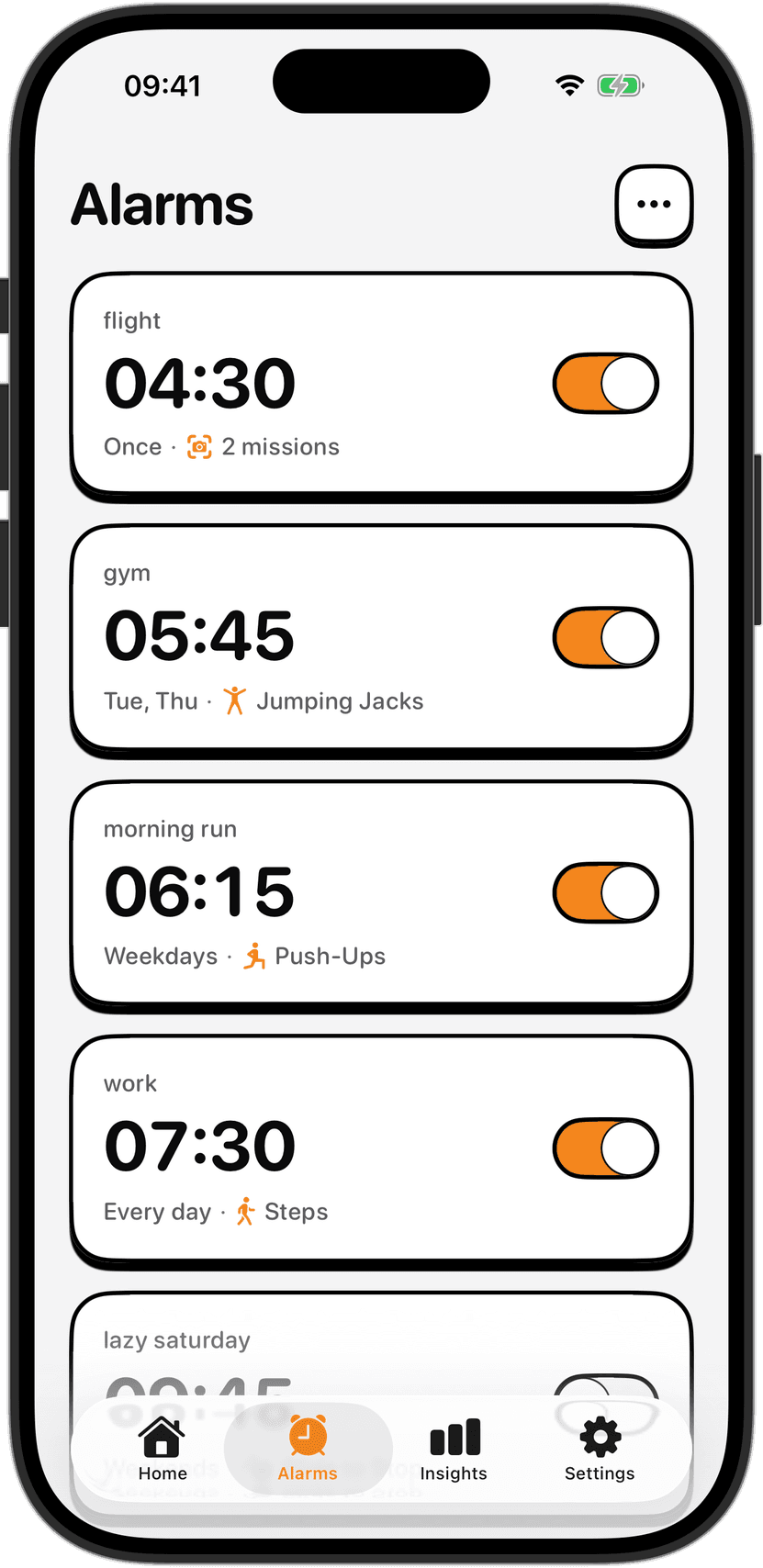
NoNap removes the lock screen dismiss button entirely. When the alarm sounds, the lock screen shows the alarm notification and the ringing indicator, but there is no button that can end it. To stop the ringing, you have to unlock the phone. When you do, the full alarm interface appears, and you are asked to complete the wake task you chose before the alarm was set.
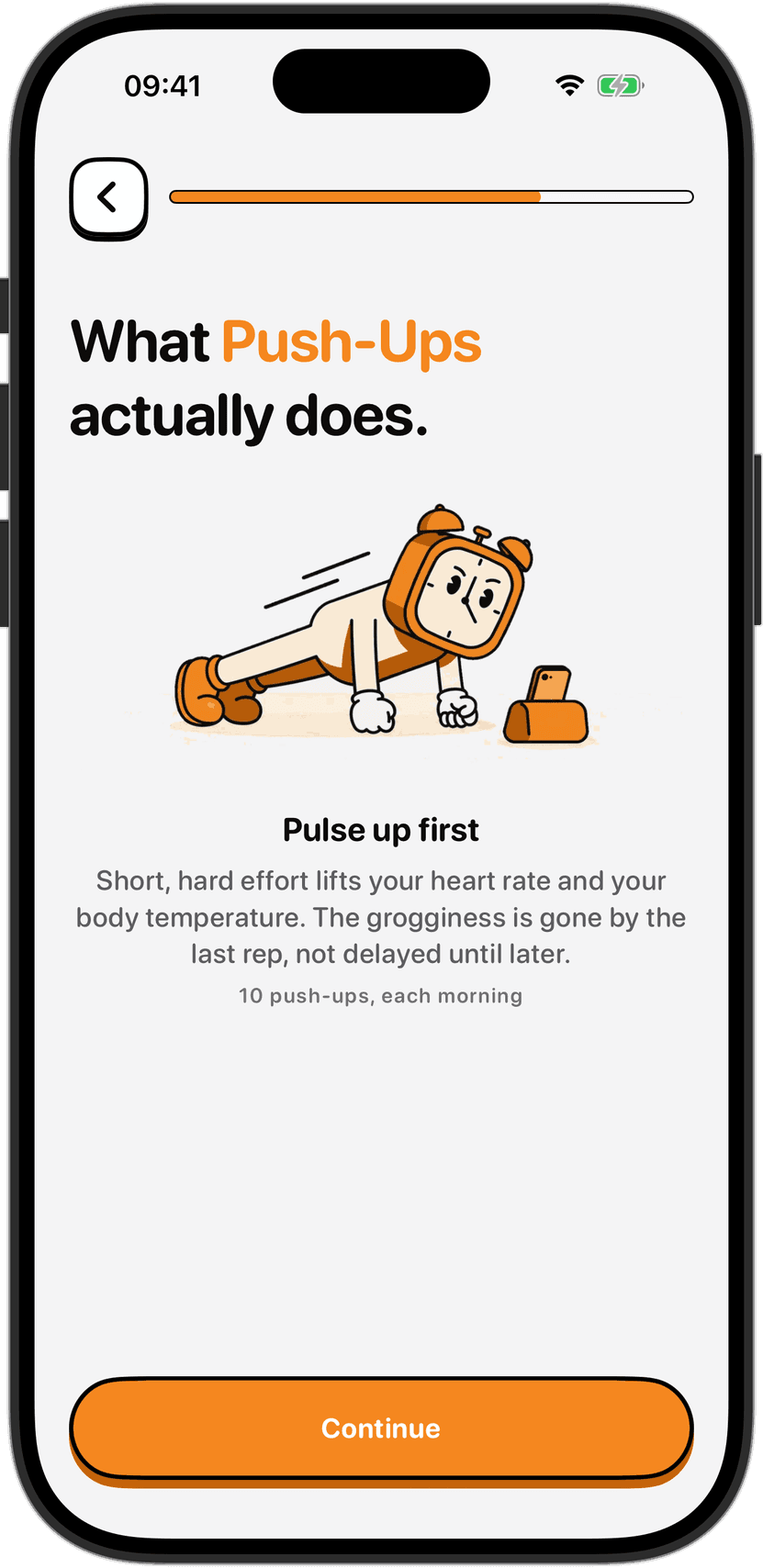
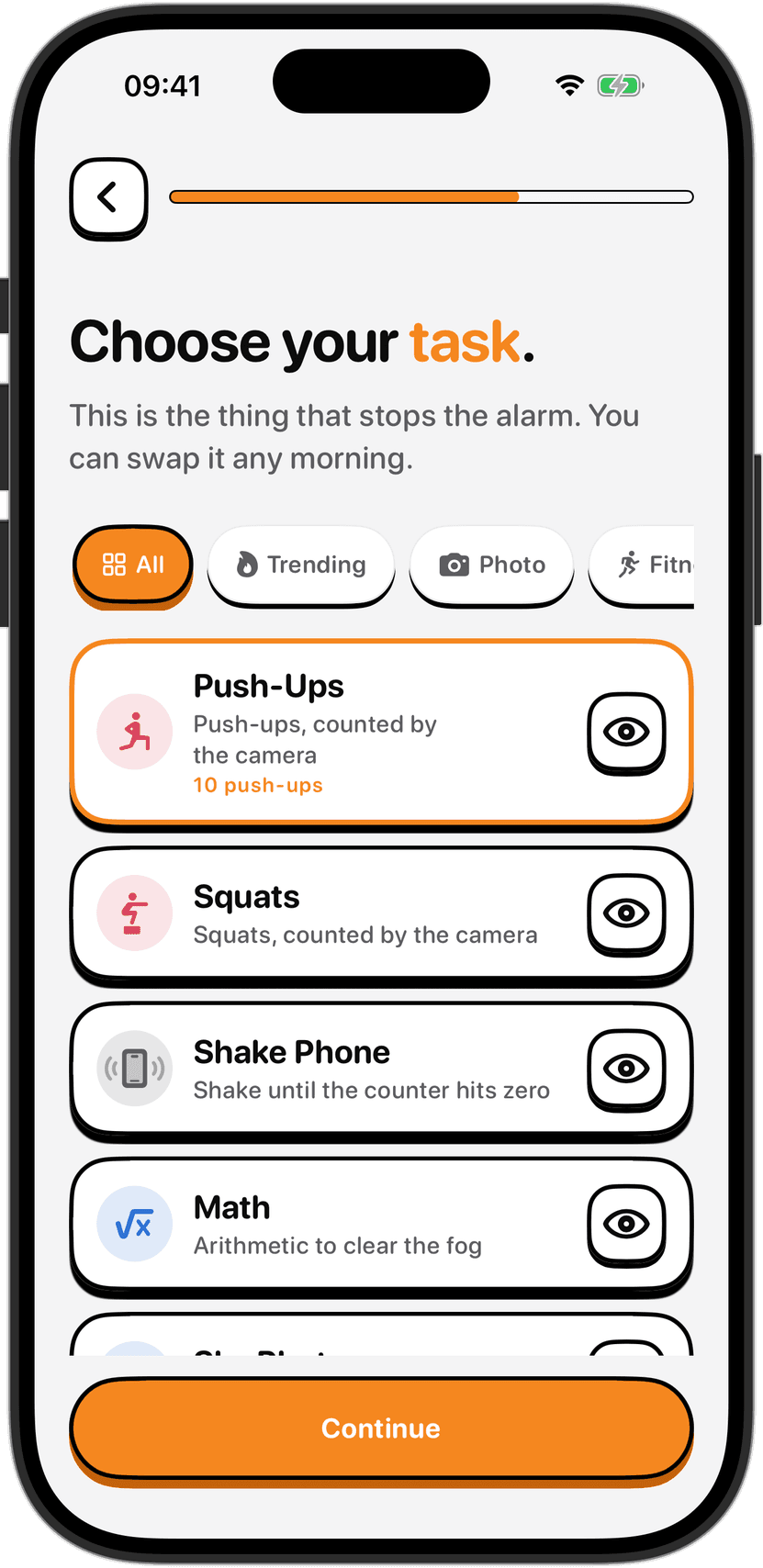
This adds two things that did not exist before. First, unlocking the phone is a small deliberate action that wakes up more of your brain than tapping a lock screen button. It is a transition point, a moment where a slightly-more-awake you is in control instead of pure sleep inertia. Second, the wake task itself (push-ups, squats, a math problem, a photo) is a non-negotiable requirement. The alarm does not go quiet until it is done.
Neither of these things is enough, on its own, to be bulletproof. A very determined person can find ways around them. But together they are enough to break the semi-conscious habit. Your brain cannot snooze without thinking. It cannot dismiss without some physical action and some proof that you are actually awake.
The task is not a timer
This matters more than it sounds. Many anti-snooze alarms use a timer. The alarm rings, and you have 60 seconds or 90 seconds to hit a button before it gives up. That still leaves the lock screen button in place. You can often dismiss it anyway, and if the timer runs out it is not clear what happens - does the phone ring forever, or does the alarm give up?
With NoNap, there is no timer and no "give up". The wake task is not a 60-second window. It is a requirement, enforced by design. The alarm will not stop until the task is complete. And because there is no lock screen button, the task is the only way out. It is not one option among many. It is the only option.
What if the task is too hard?
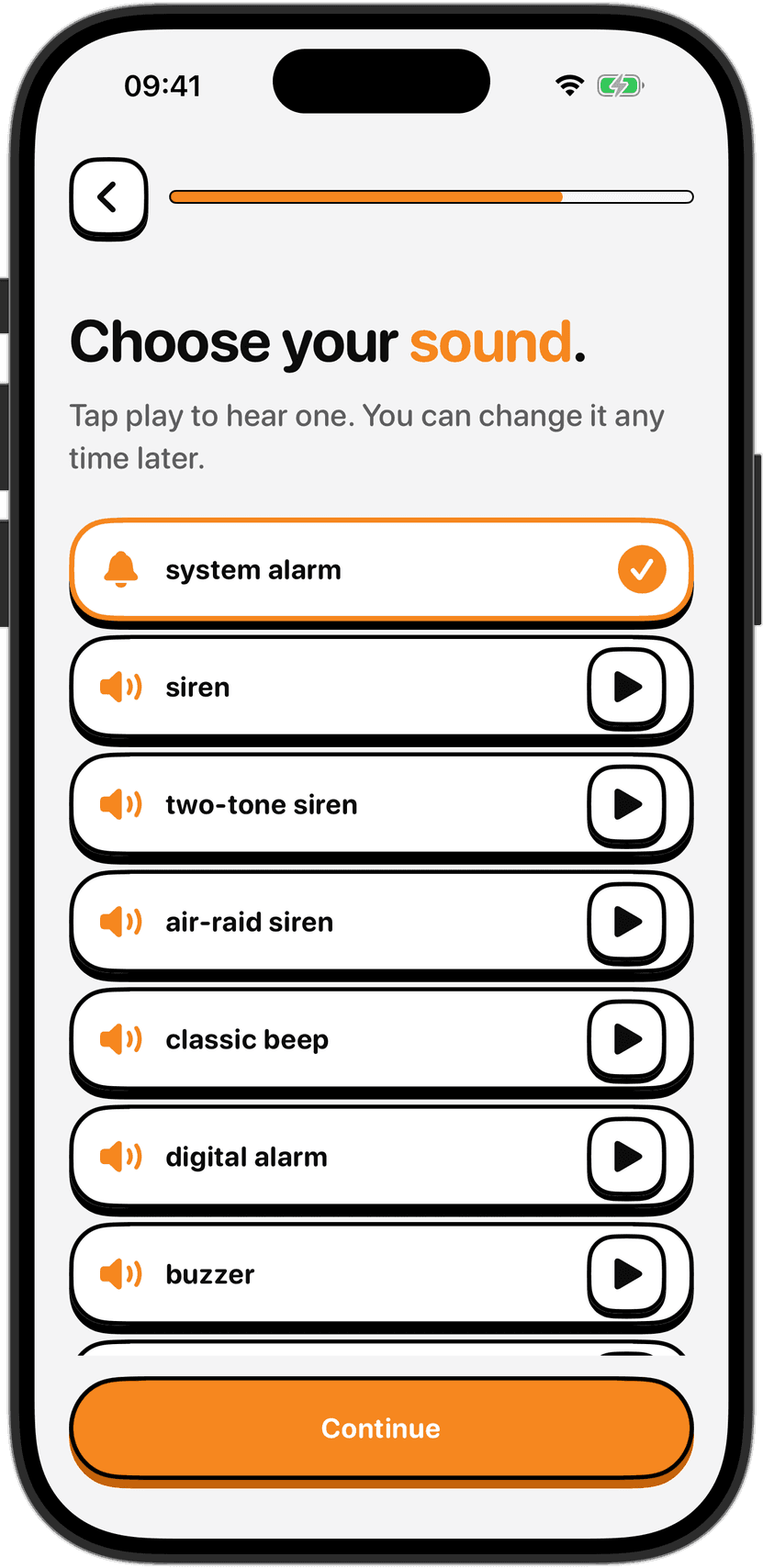
The obvious question is: what if you set a task you cannot do half-asleep? The answer is that you can change it. You can change your wake task any morning from the alarm editor. If squats are too much, switch to math. If math is too much, switch to shake phone, the gentlest of the physical options, which just asks you to shake your device.
But the point is that you have to be awake enough to go into the app, find the settings, and change the task. That is enough friction that your brain has time to catch up. You make a real decision instead of an automatic one. And if you find yourself changing the task every morning, that is telling you something - the task you picked is not actually realistic for your body and your mornings. It is easier to change it once and keep it than to wake up to an impossible request every day.
You can still stop a ringing alarm
One safety net is important to mention. If an alarm is ringing and you are in genuine distress or there is an emergency, you can force-quit NoNap from the lock screen by long-pressing the notification. The alarm will stop. That is a real escape hatch, not a workaround for snoozers. It is a safety feature for the small number of people who genuinely cannot complete a wake task that morning because of injury, illness or a real emergency.
For everyone else, the design stands. The lock screen button is gone. The alarm will ring until the task is done. And that one design choice (removing one button) is enough to break the semi-conscious habit loop that kept you in bed for years.
Sources
Sleep inertia and the first 30 minutes after waking: Tassi, P., & Muzet, A. (2000). "Sleep inertia." Sleep Medicine Reviews, 4(2), 183-200. https://doi.org/10.1053/smrv.1999.0095
Snooze button habits and circadian rhythm: Crum, A. J., & O'Neill, H. (2014). "The role of sleep in attention-deficit/hyperactivity disorder." Sleep Health, 2(2), 84-93. https://pubmed.ncbi.nlm.nih.gov/29073441/
Decision-making during sleep inertia: Trinder, J., Kleiman, J., Carrington, M., Kim, Y., McDonough, T., Mallet, P. F., & Colrain, I. M. (2001). "Sleep and alertness: chronobiological, behavioral, and medical aspects of napping." Journal of Sleep Research, 10(S2), 1-160. https://doi.org/10.1046/j.1365-2869.2001.00260.x